Phone wallpapers
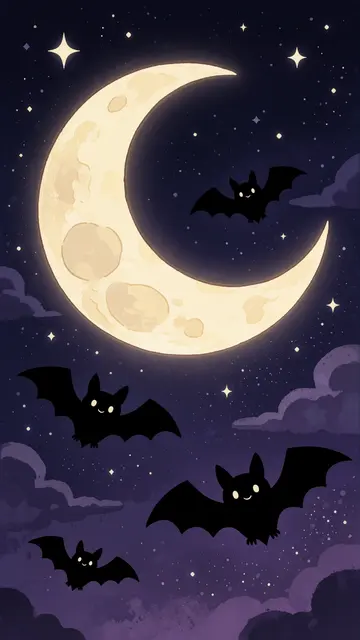
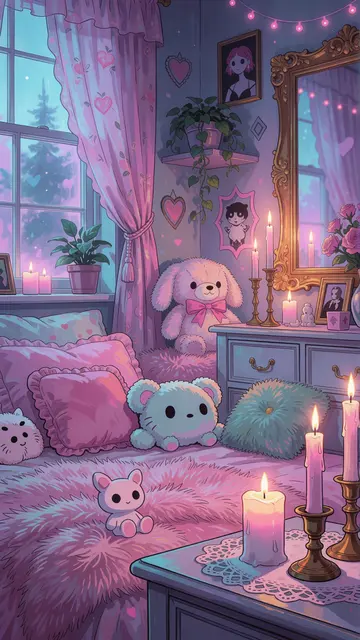
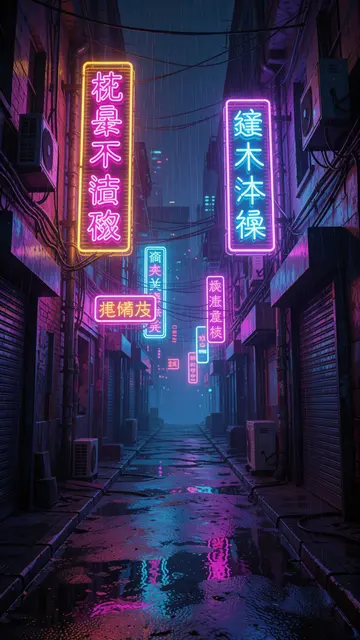
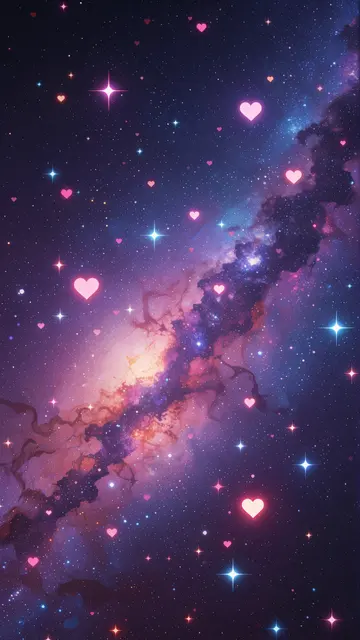
All 1080×1920. Free forever. No catch. ✦ → Desktop 4K wallpapers
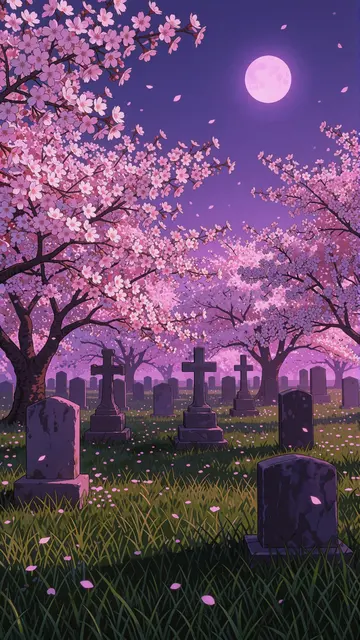
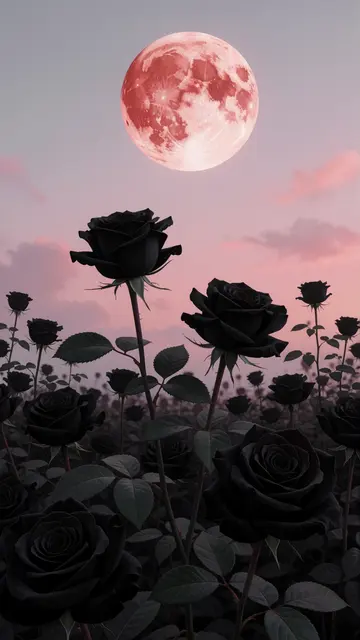
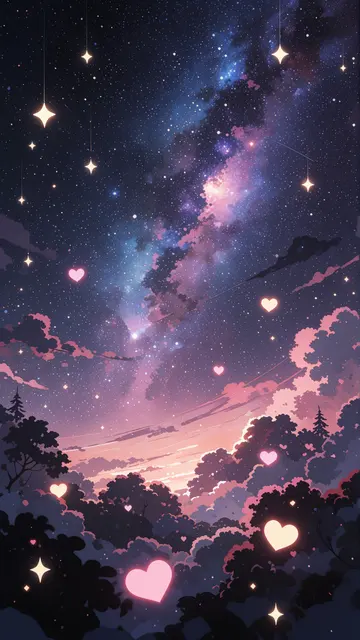
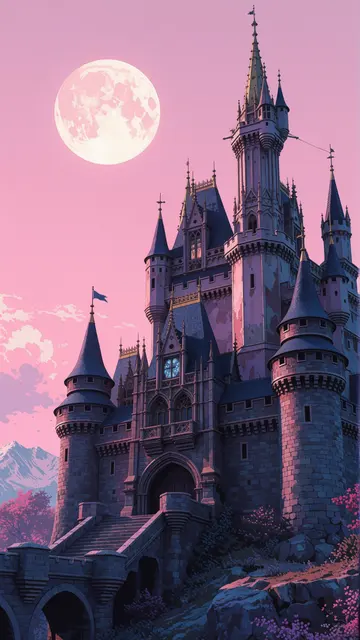
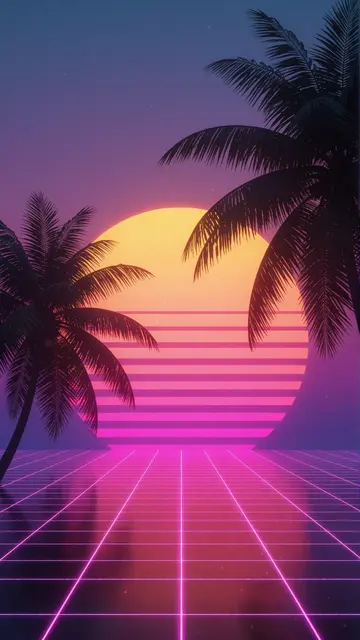
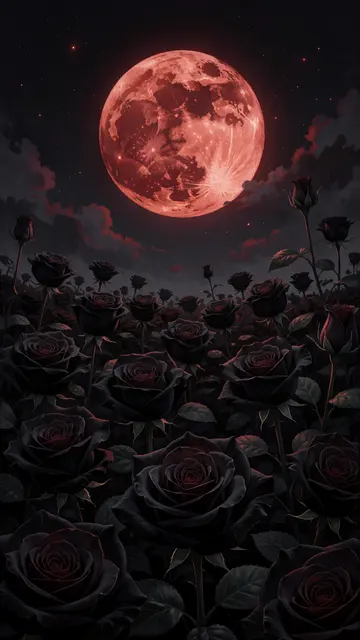
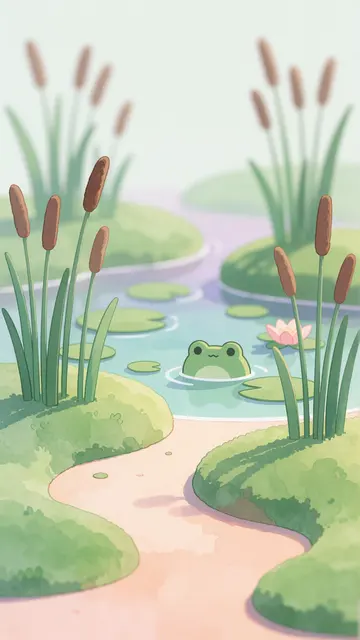
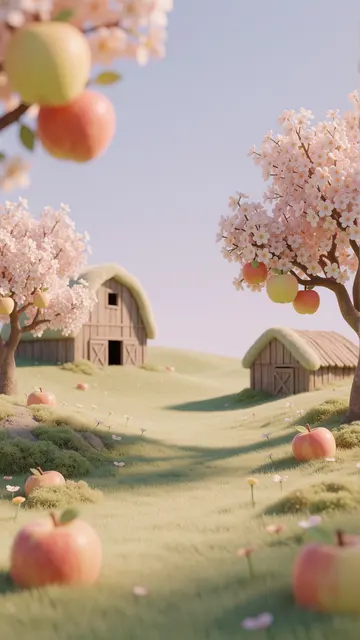
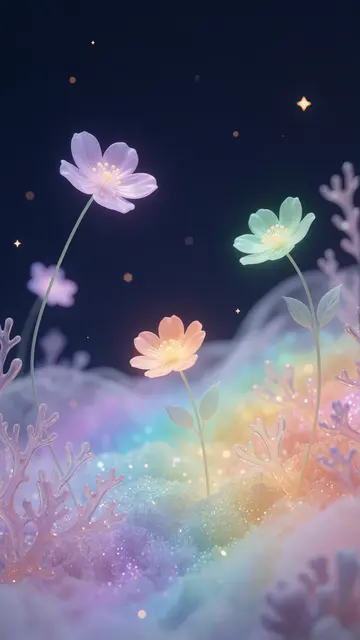
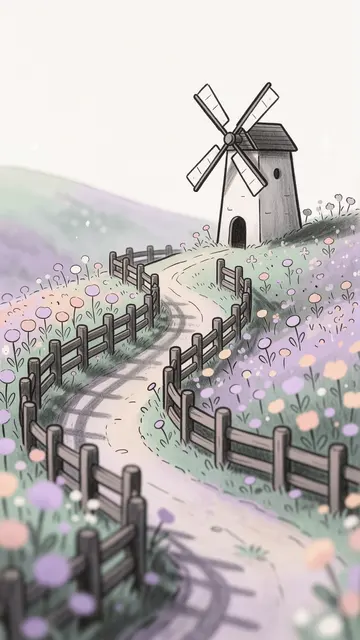
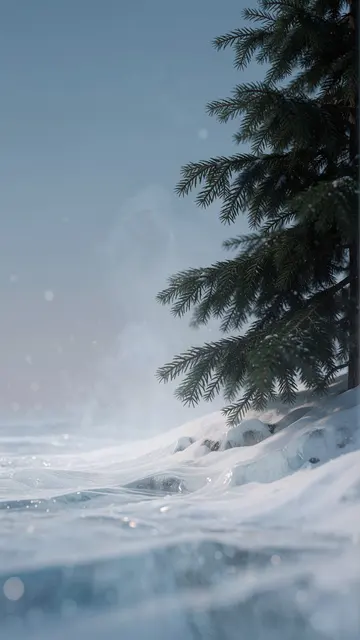
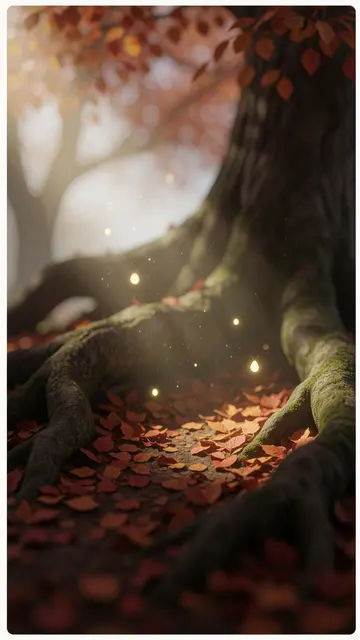
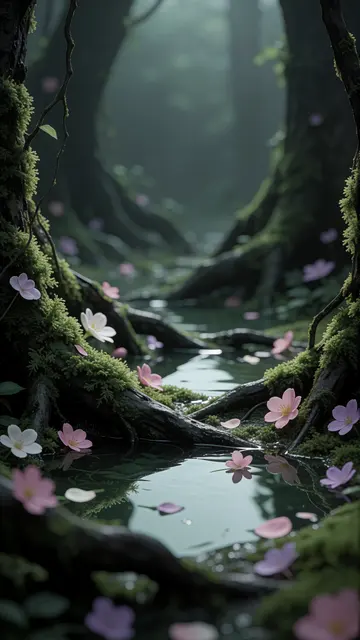
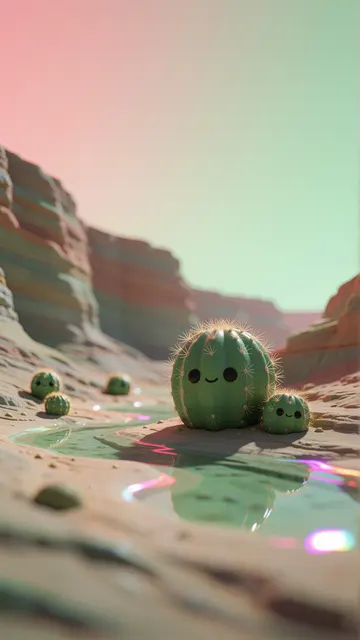
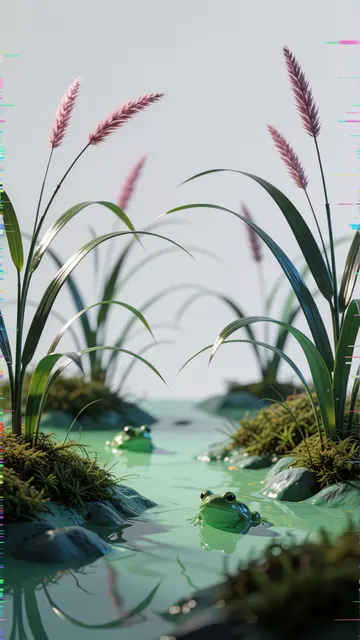
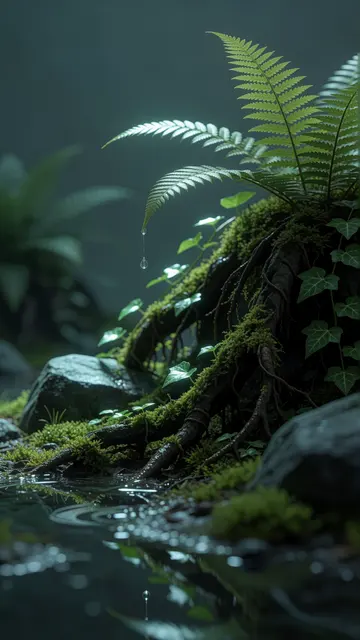
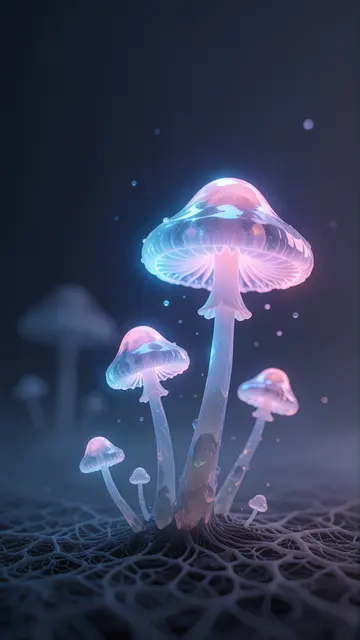
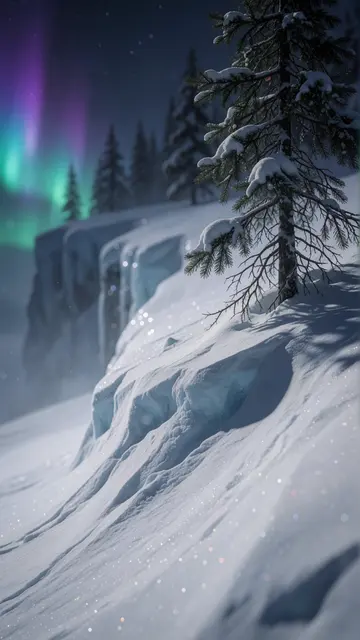
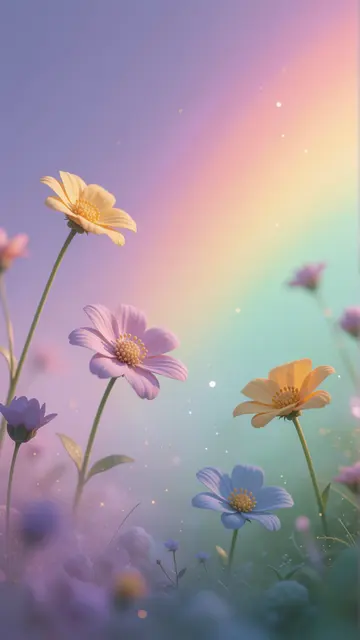
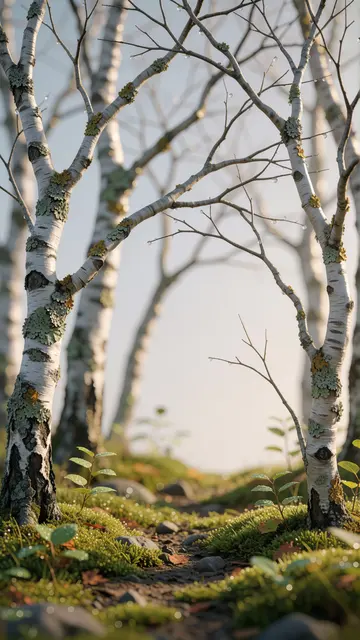
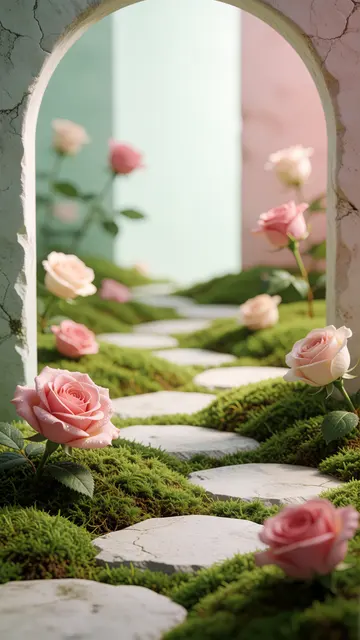
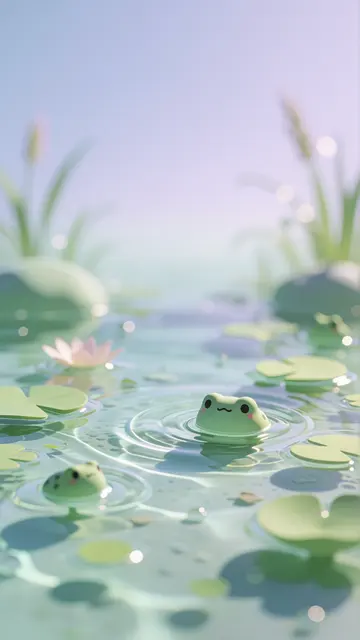
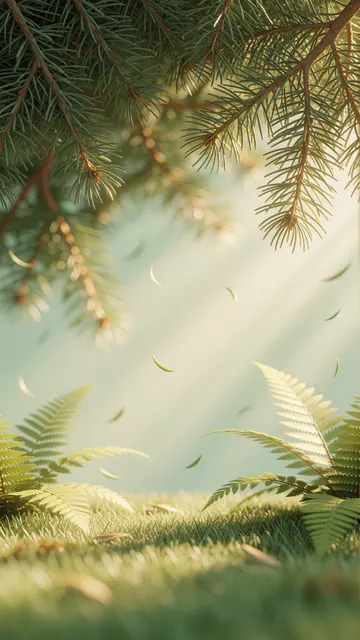
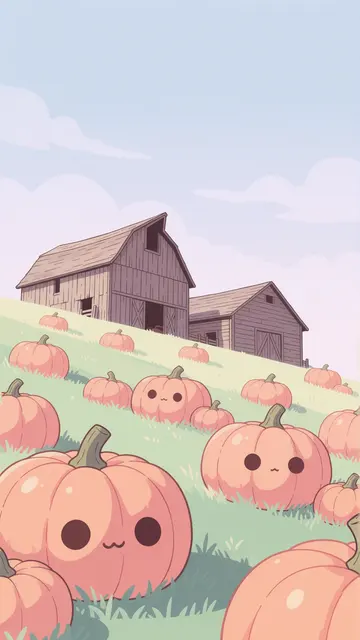
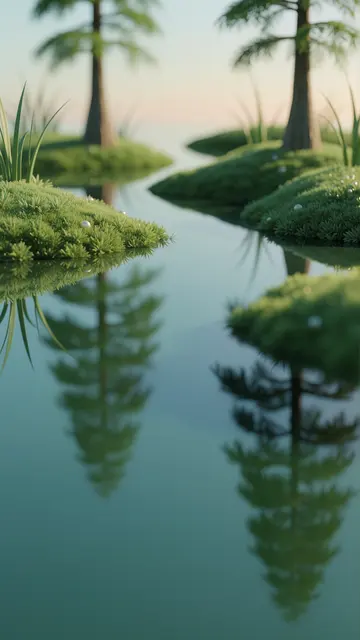
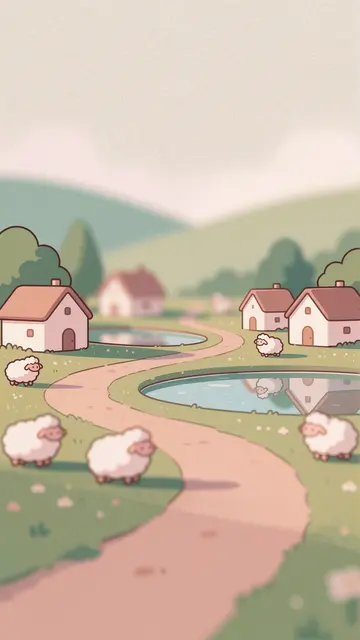
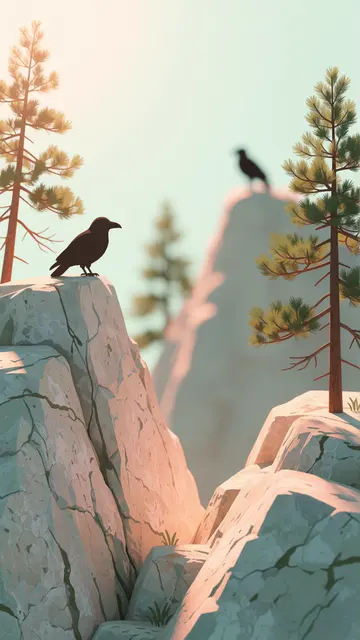
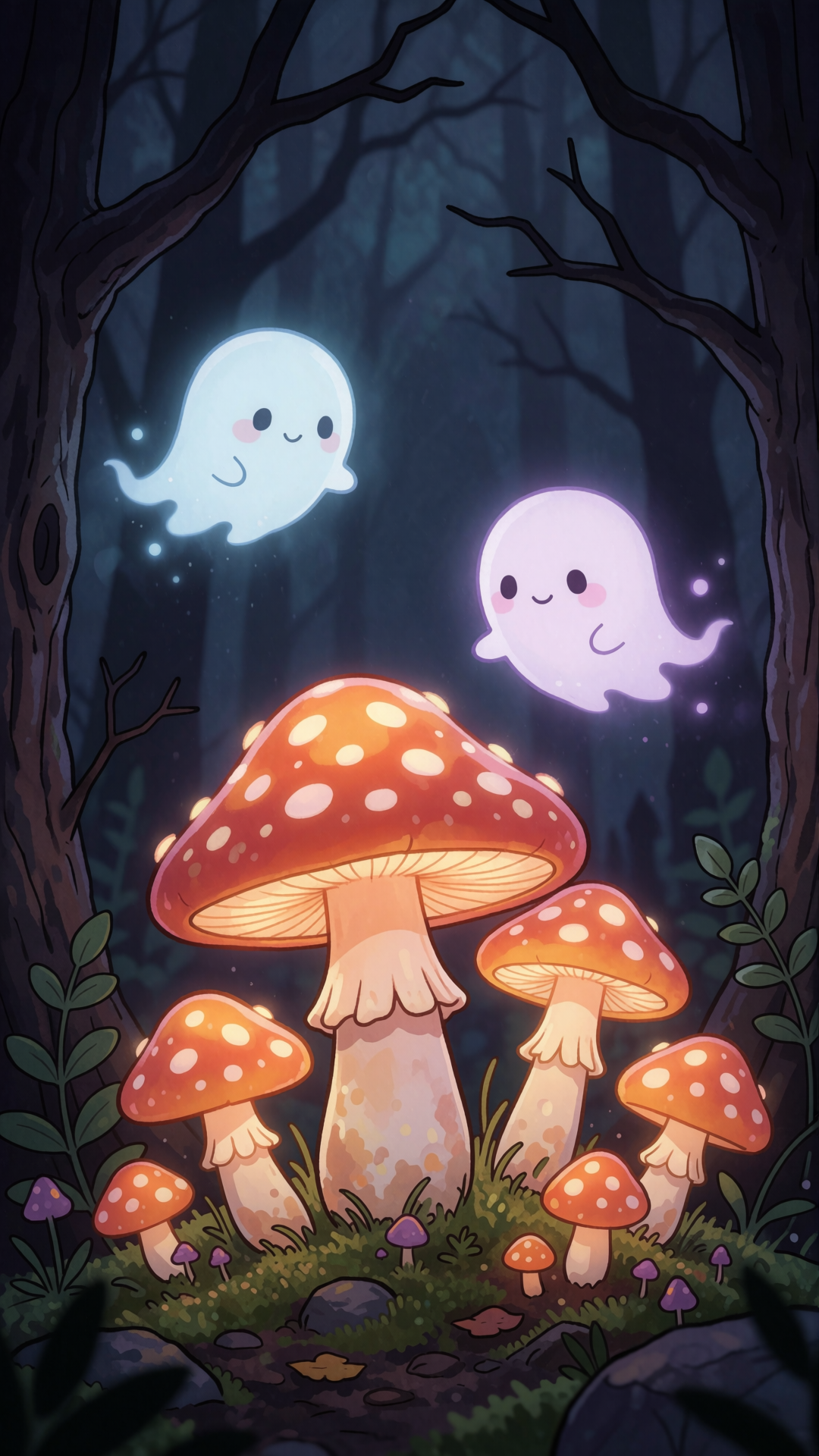
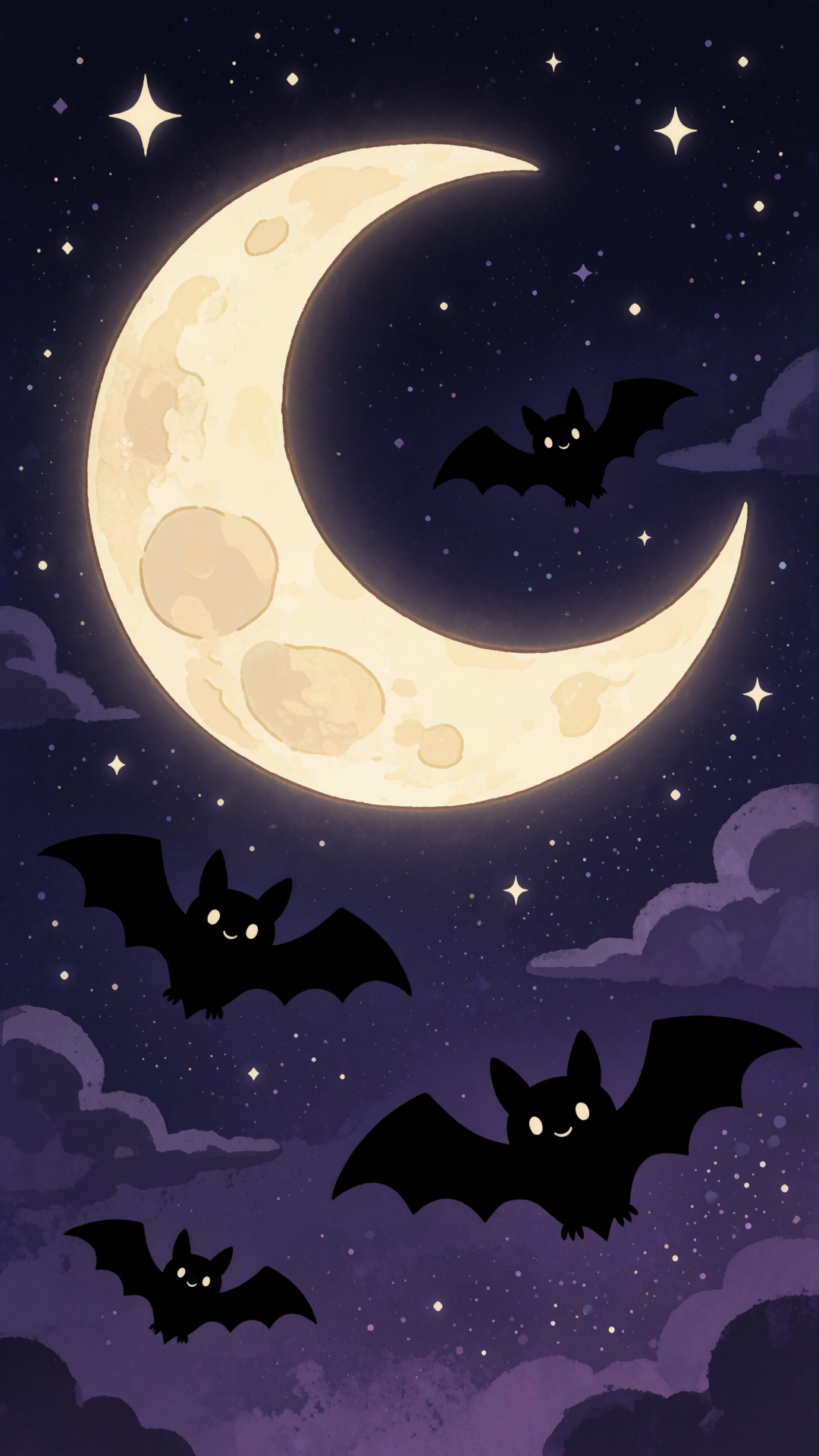
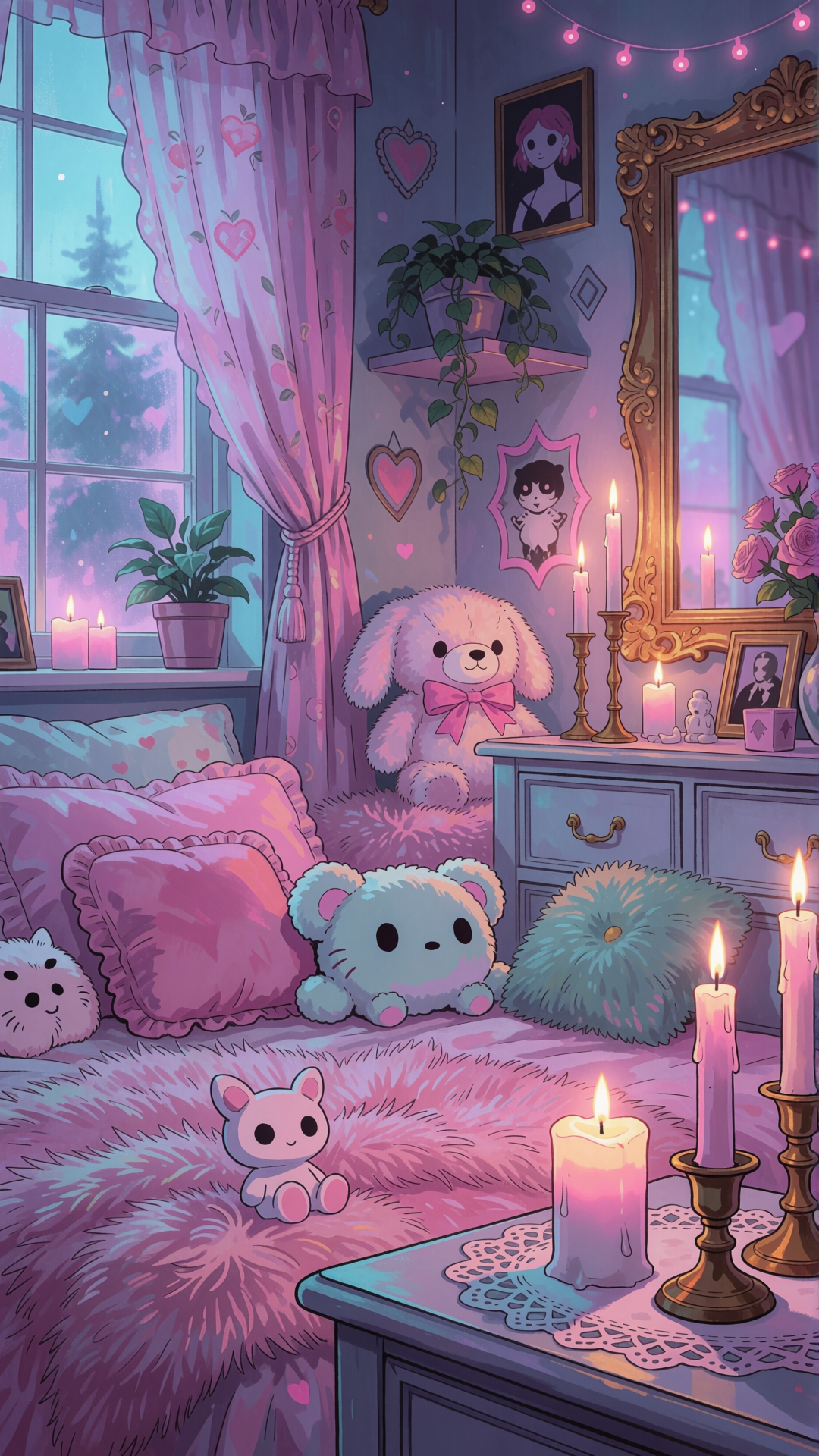
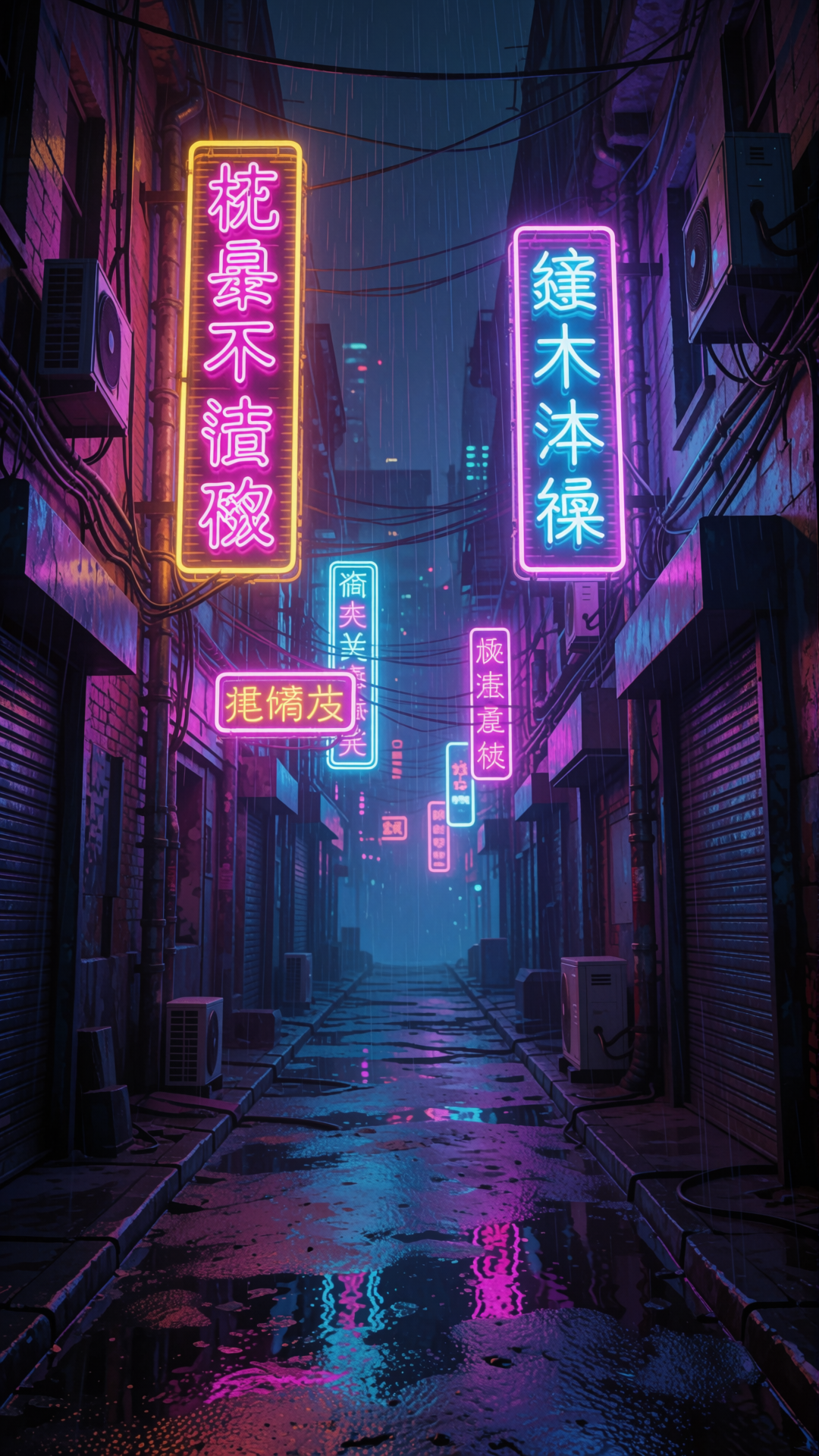
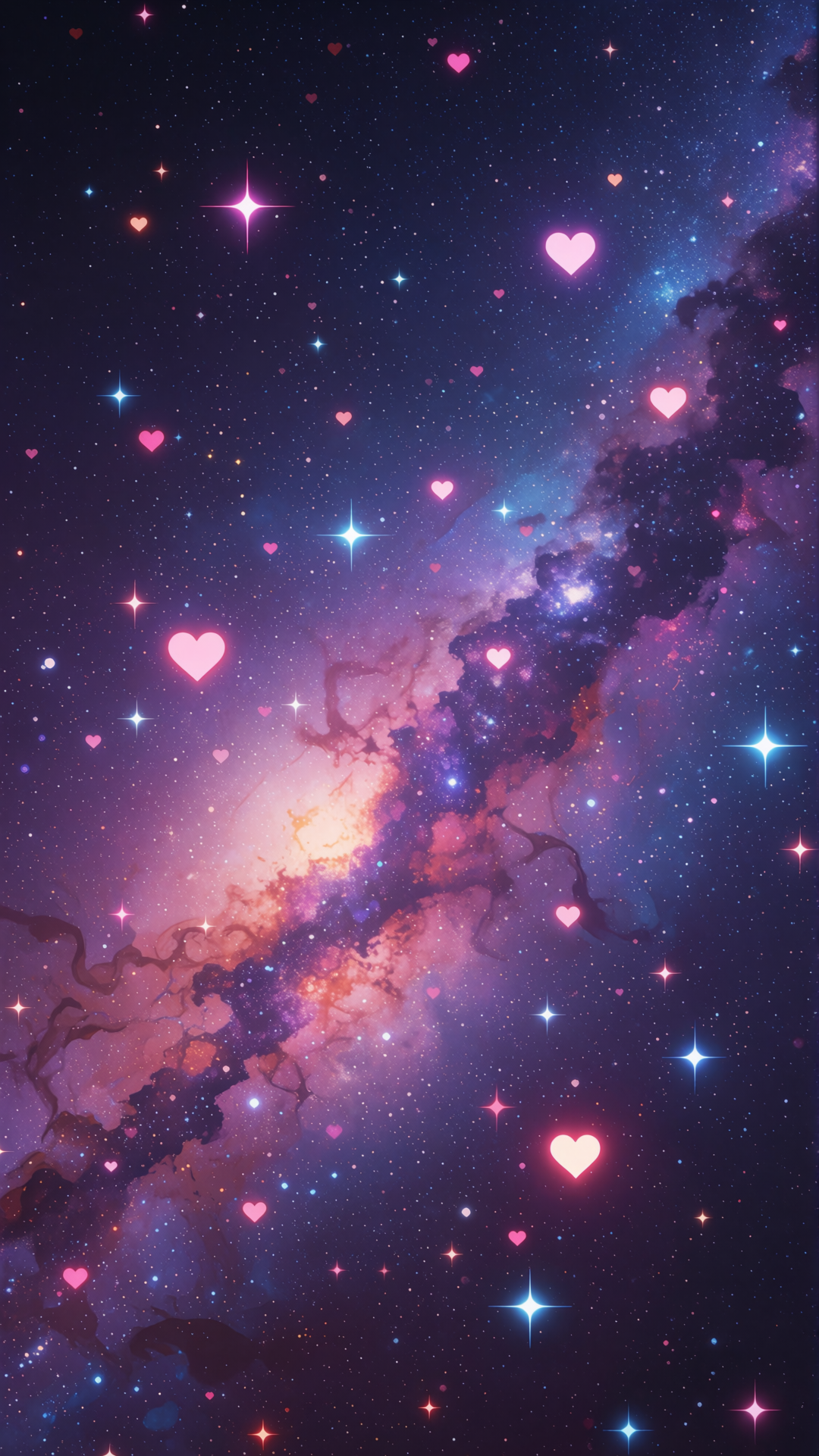
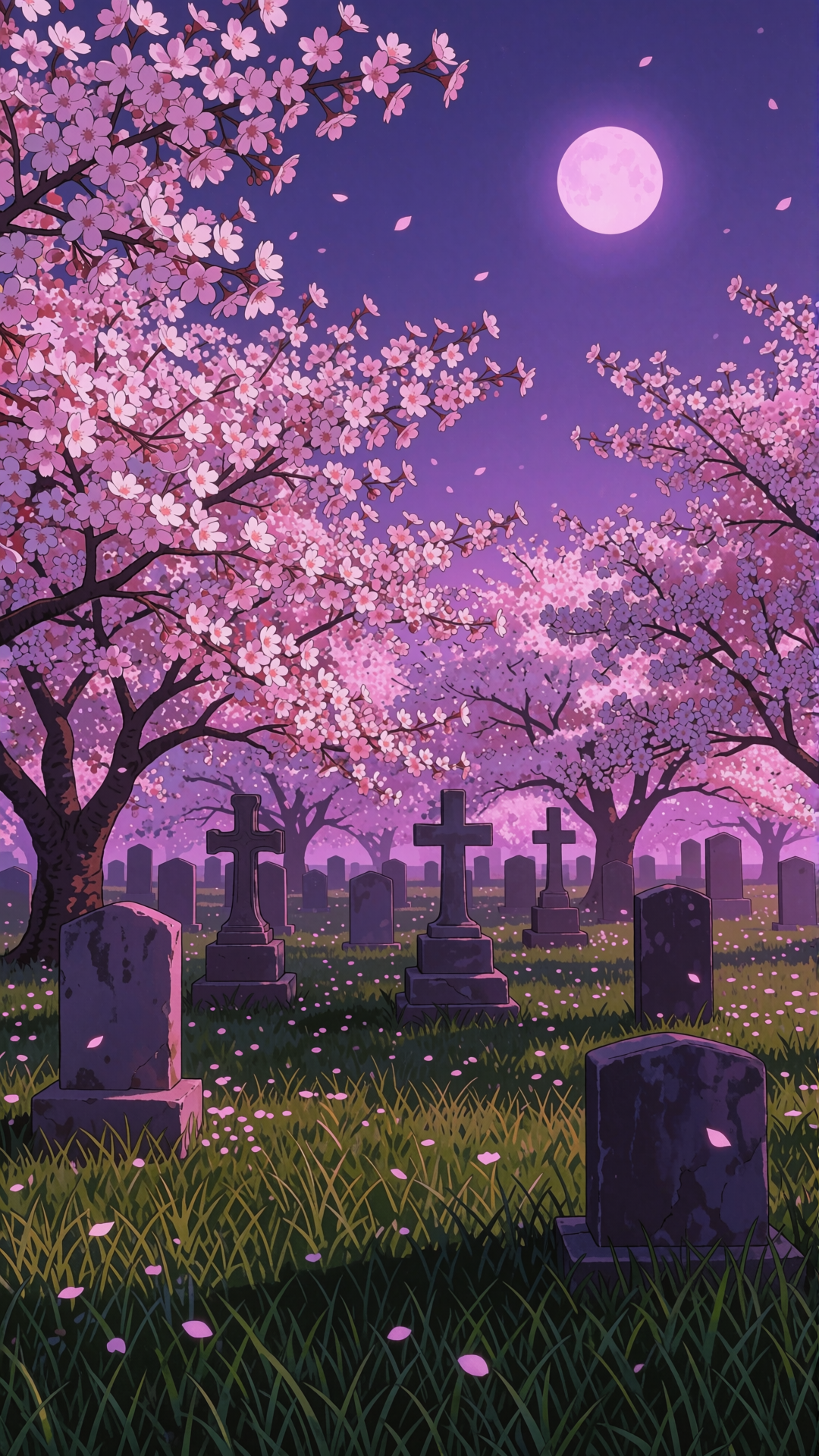
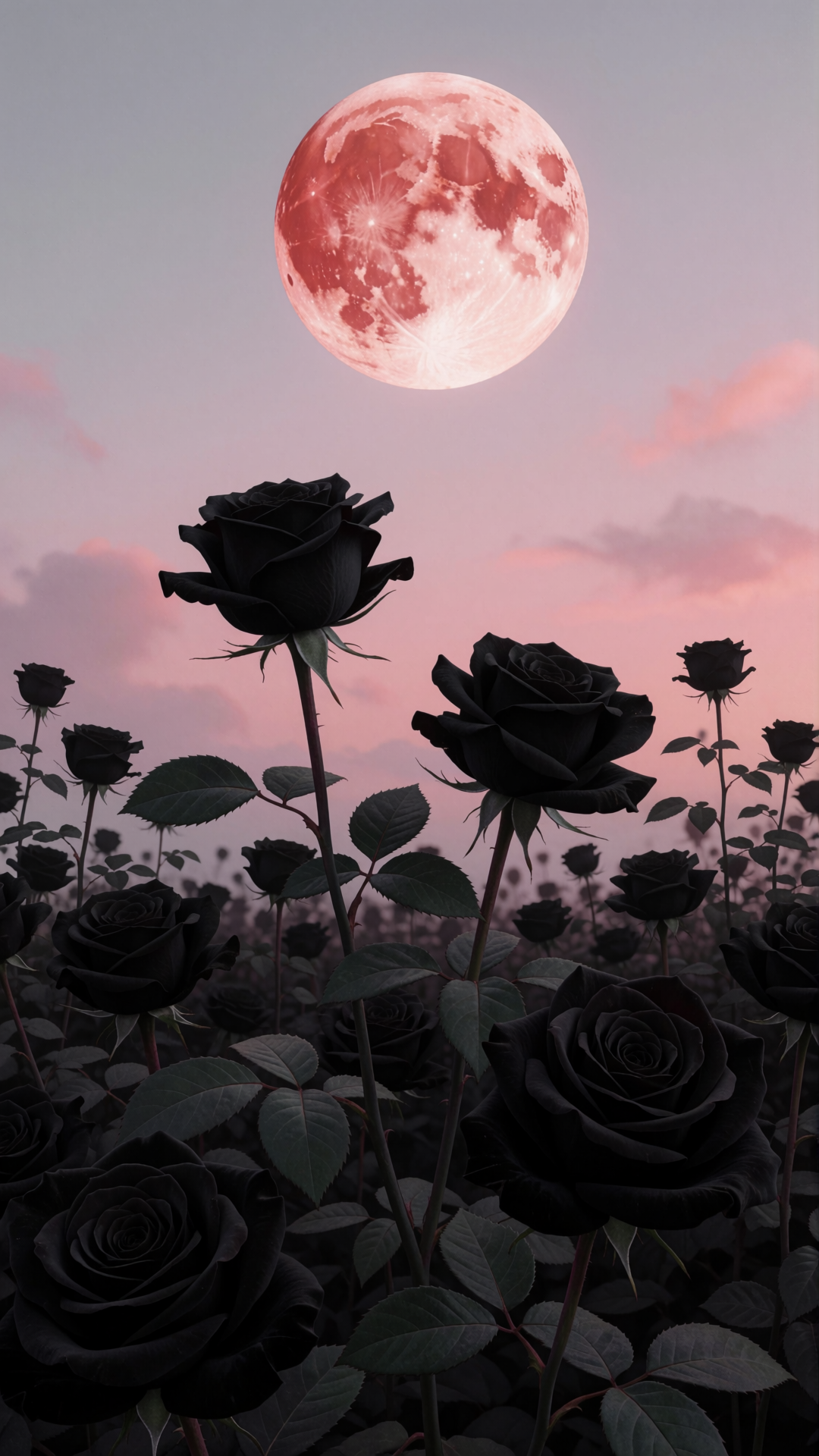
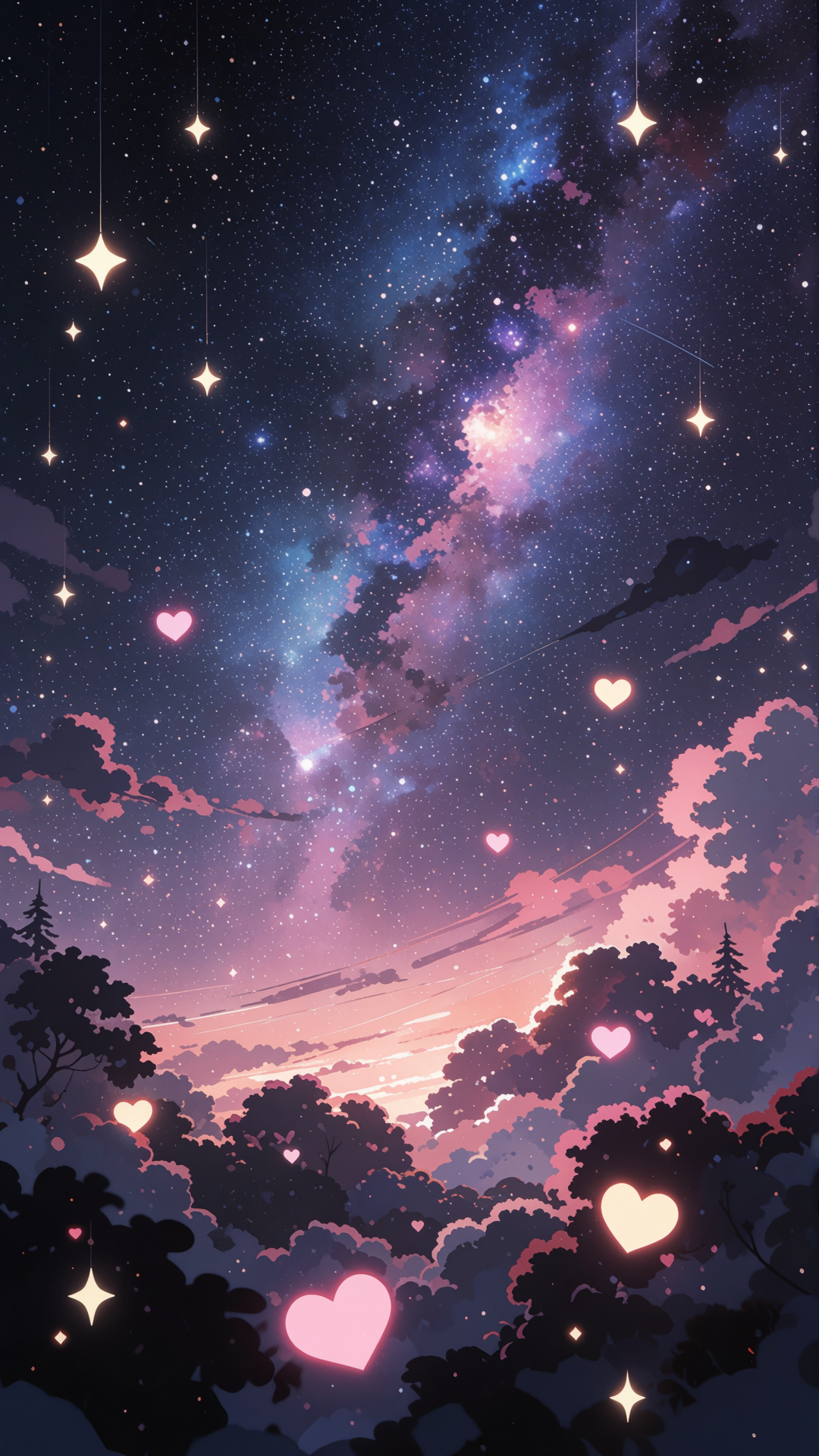
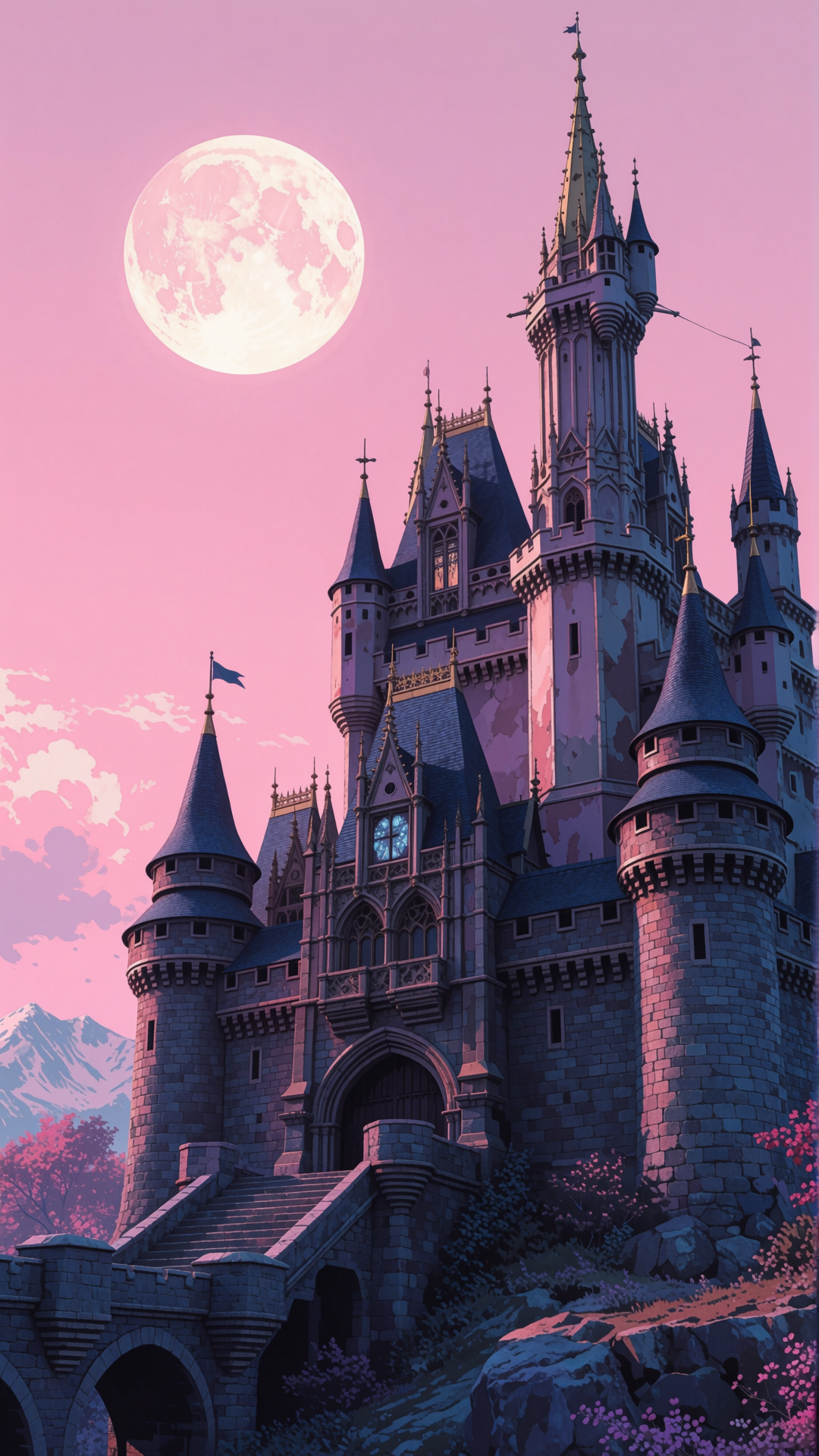
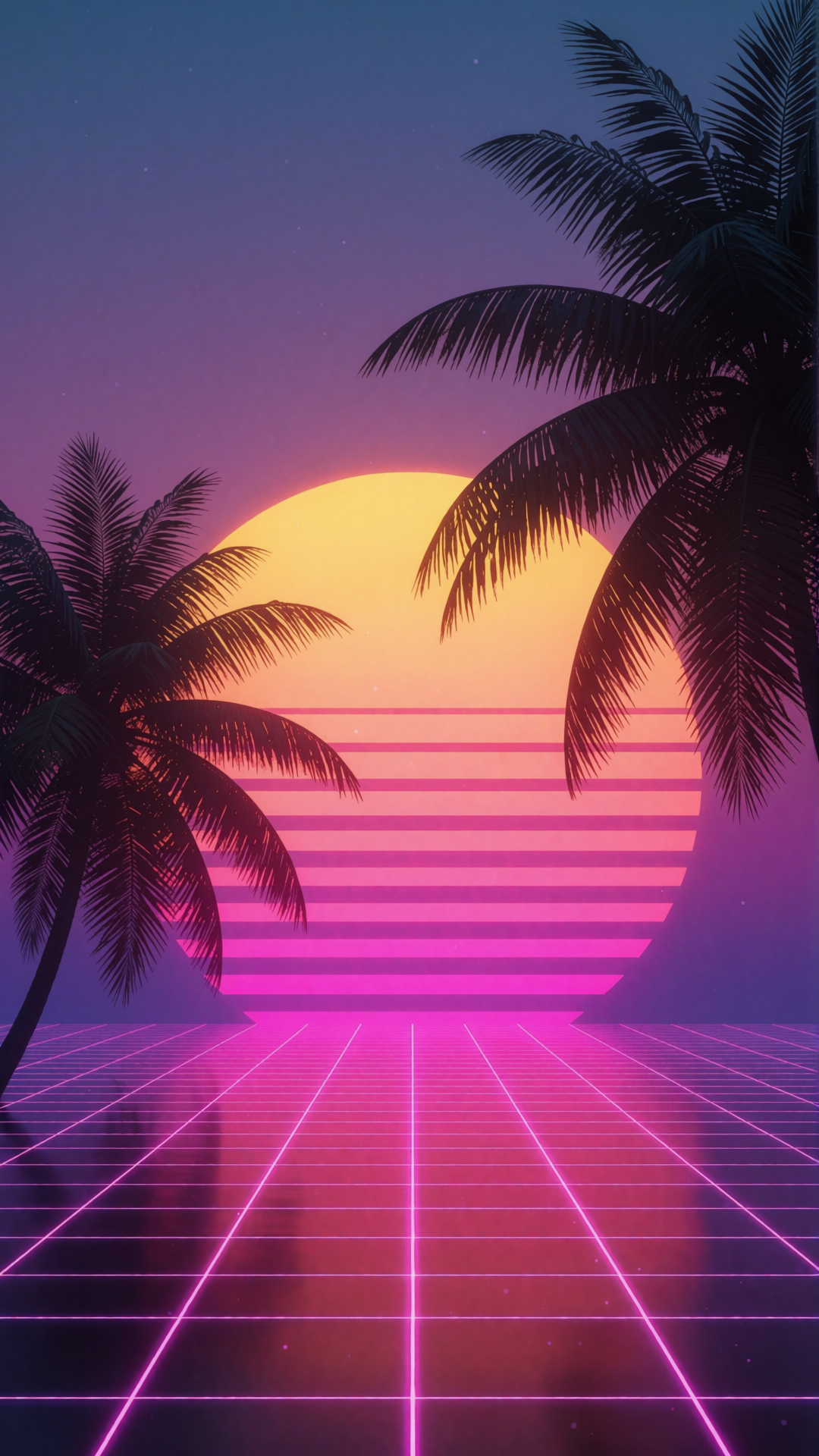
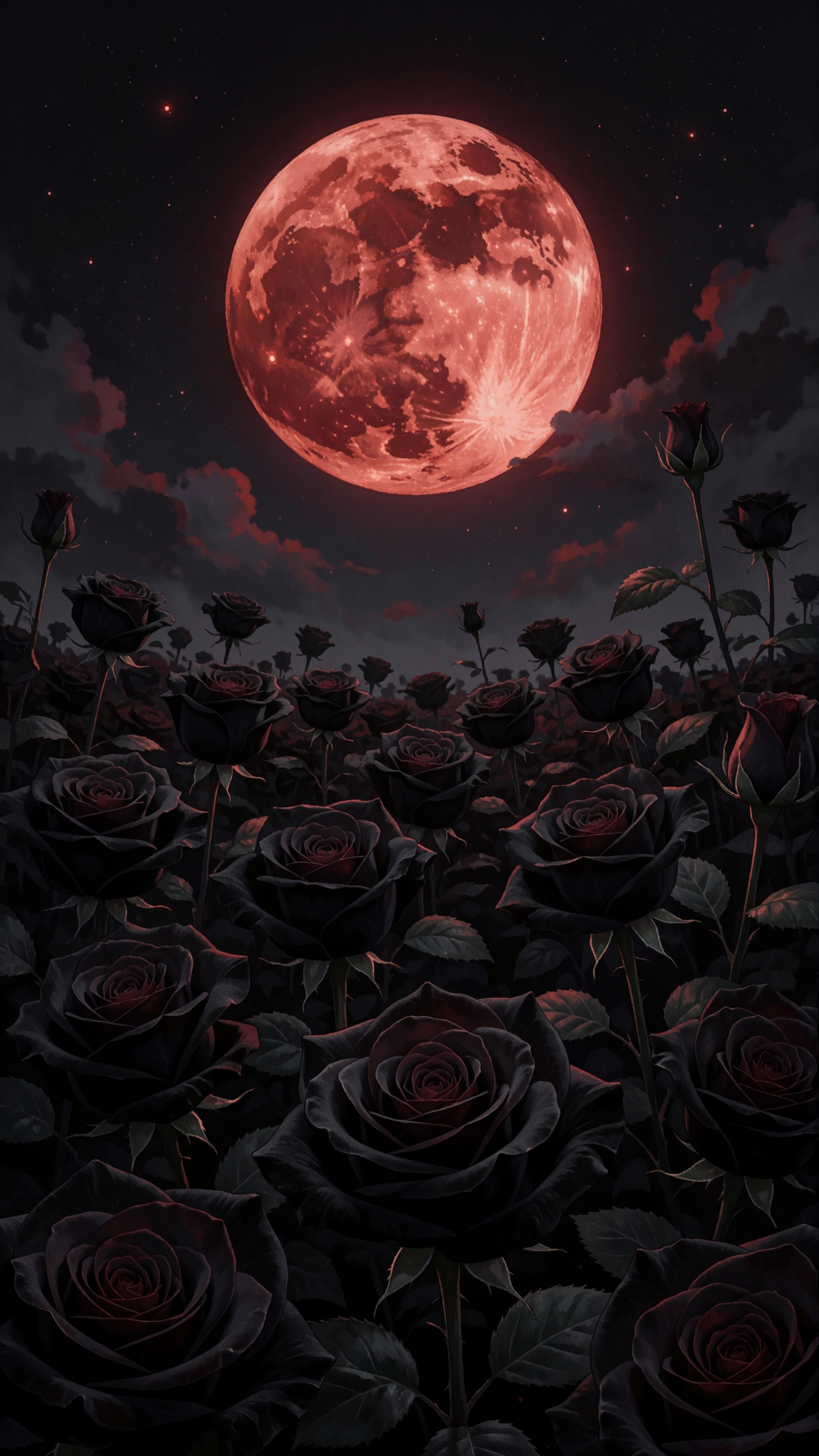
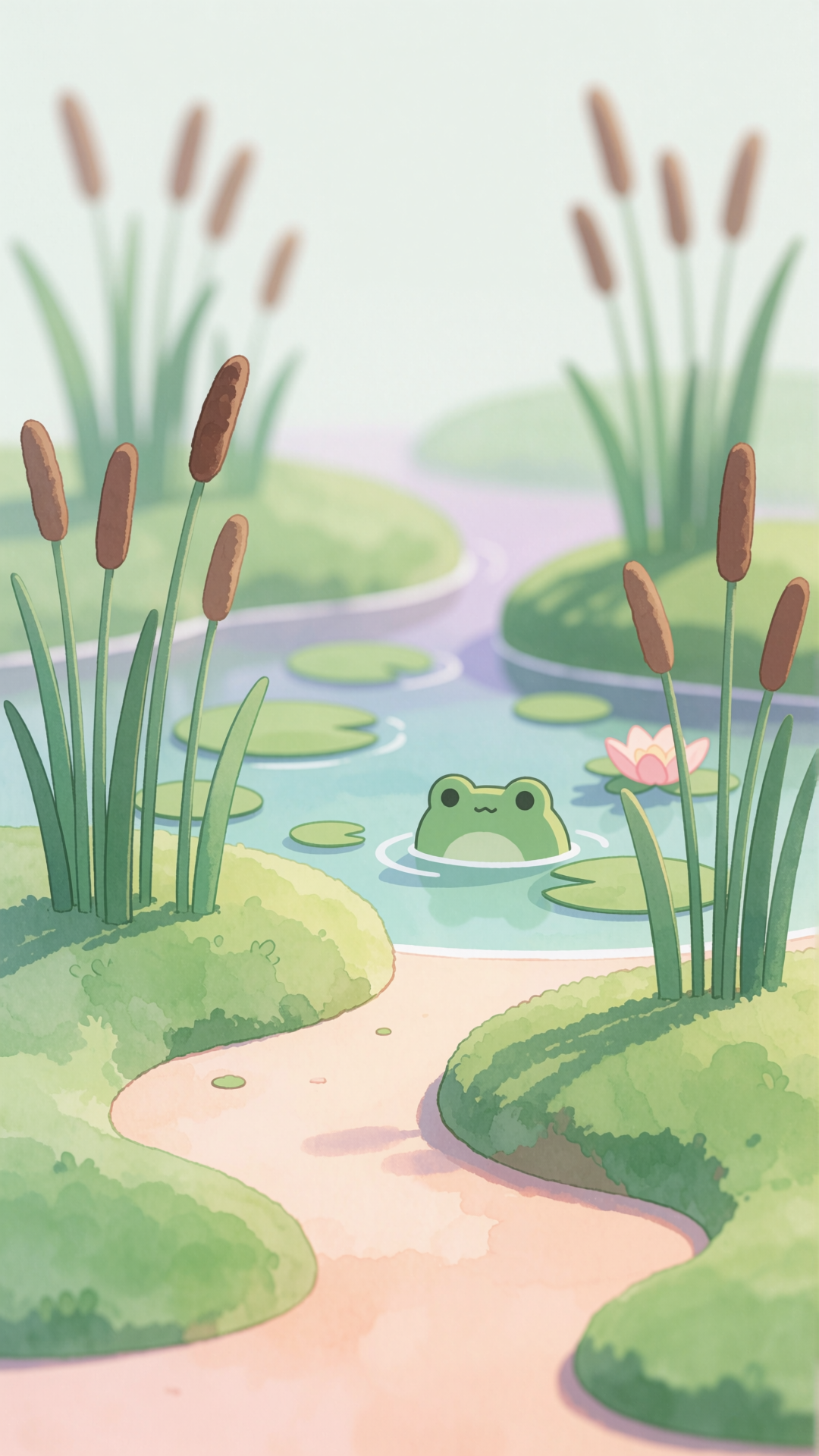
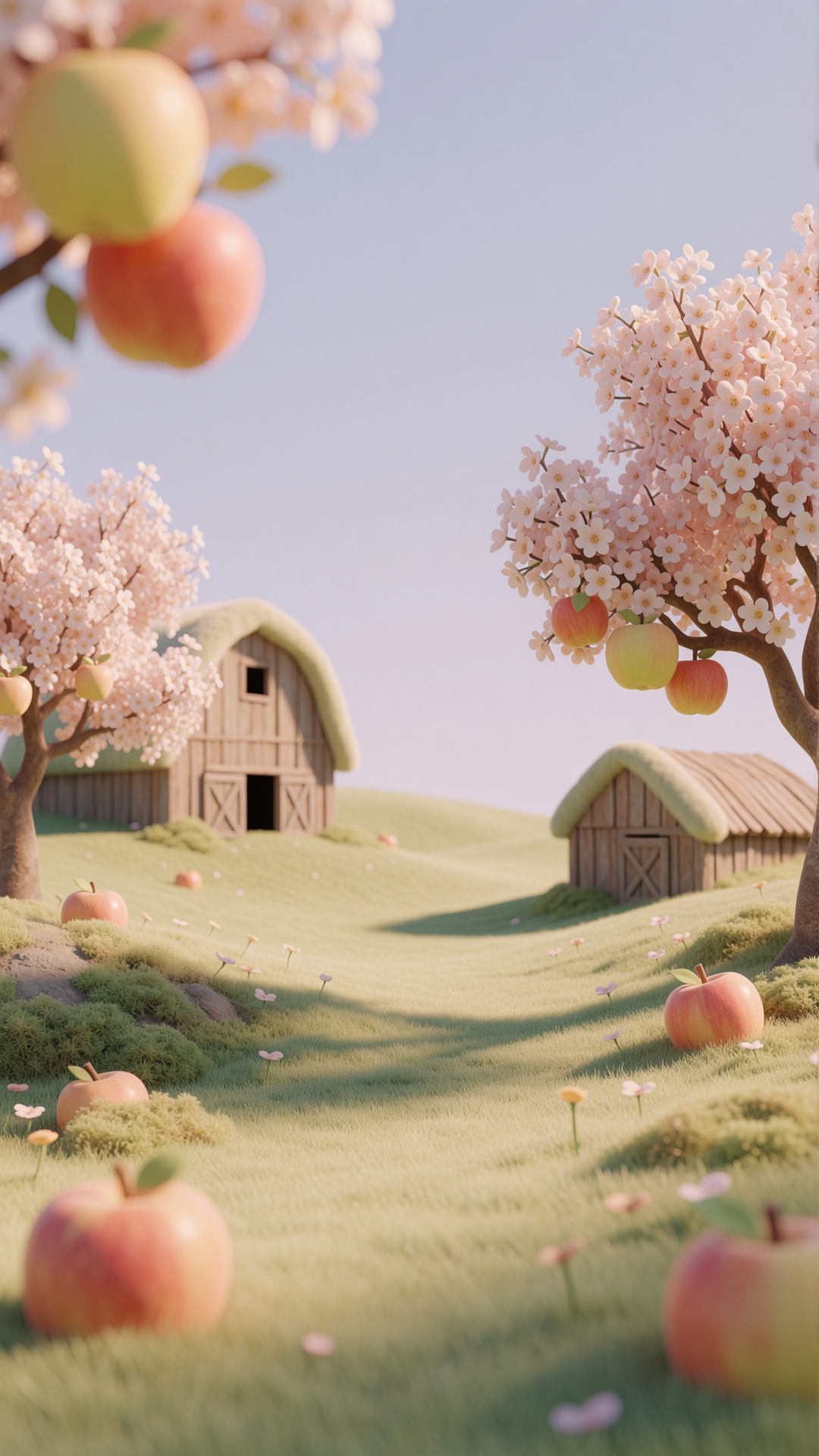
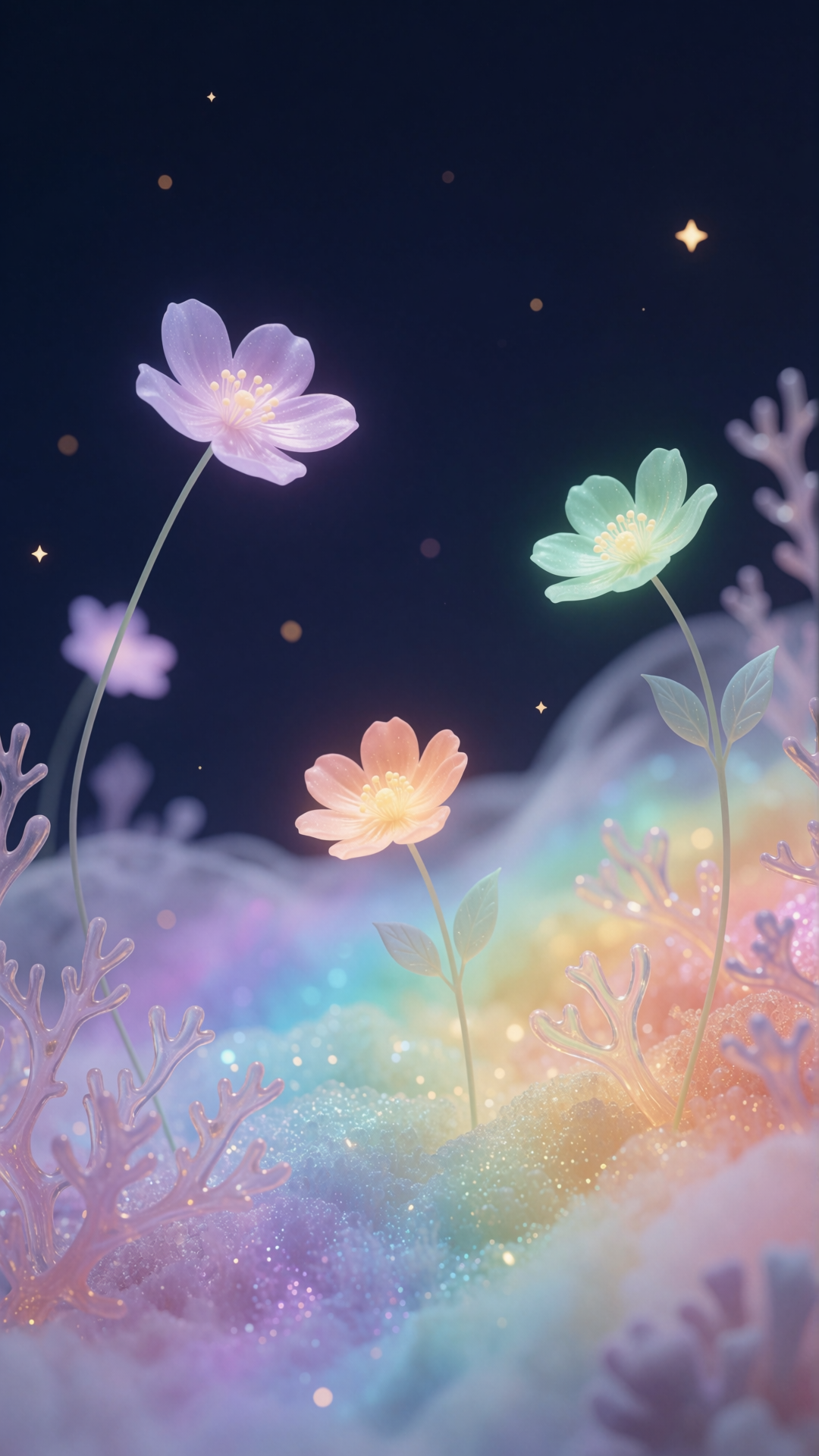
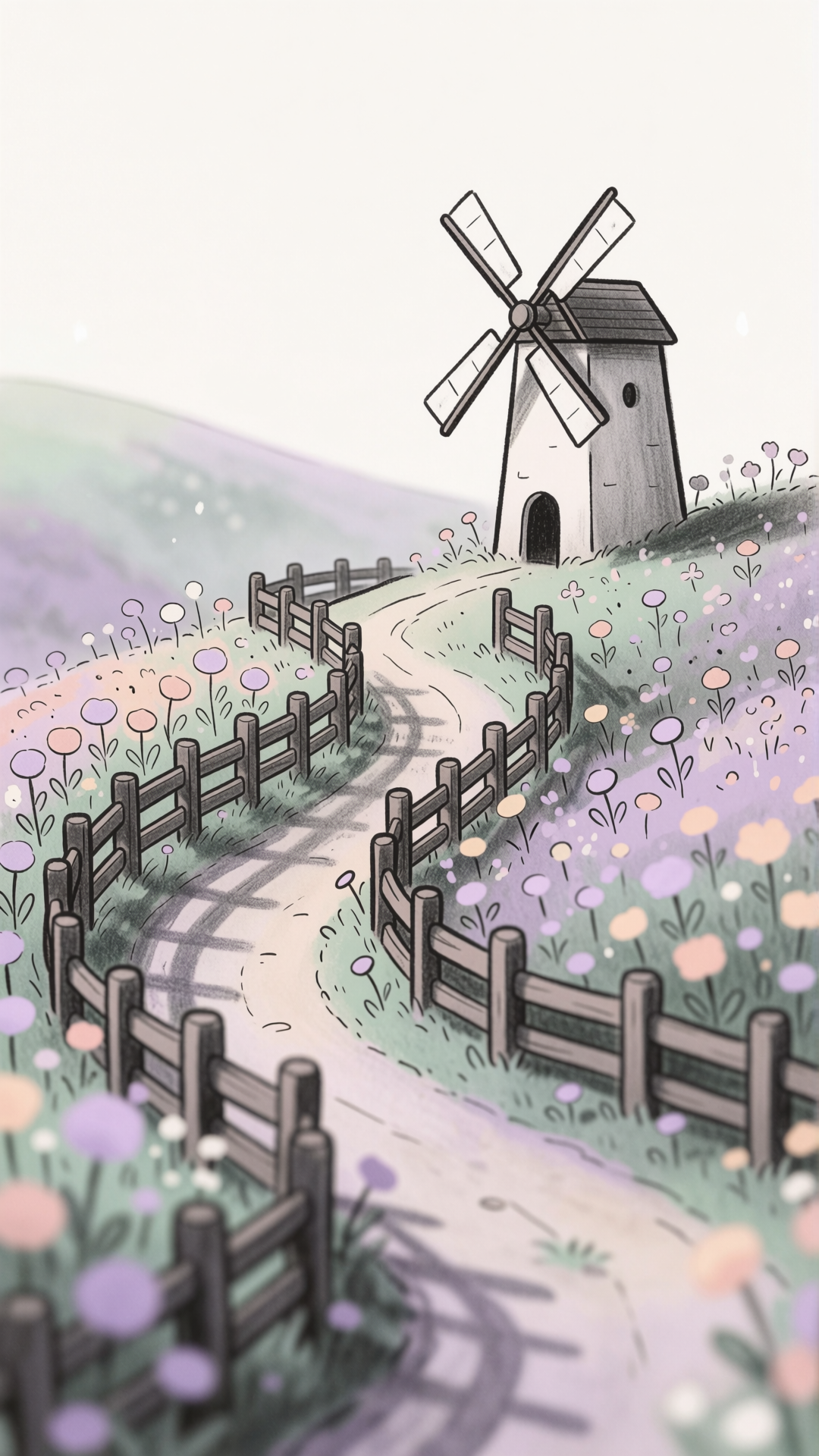
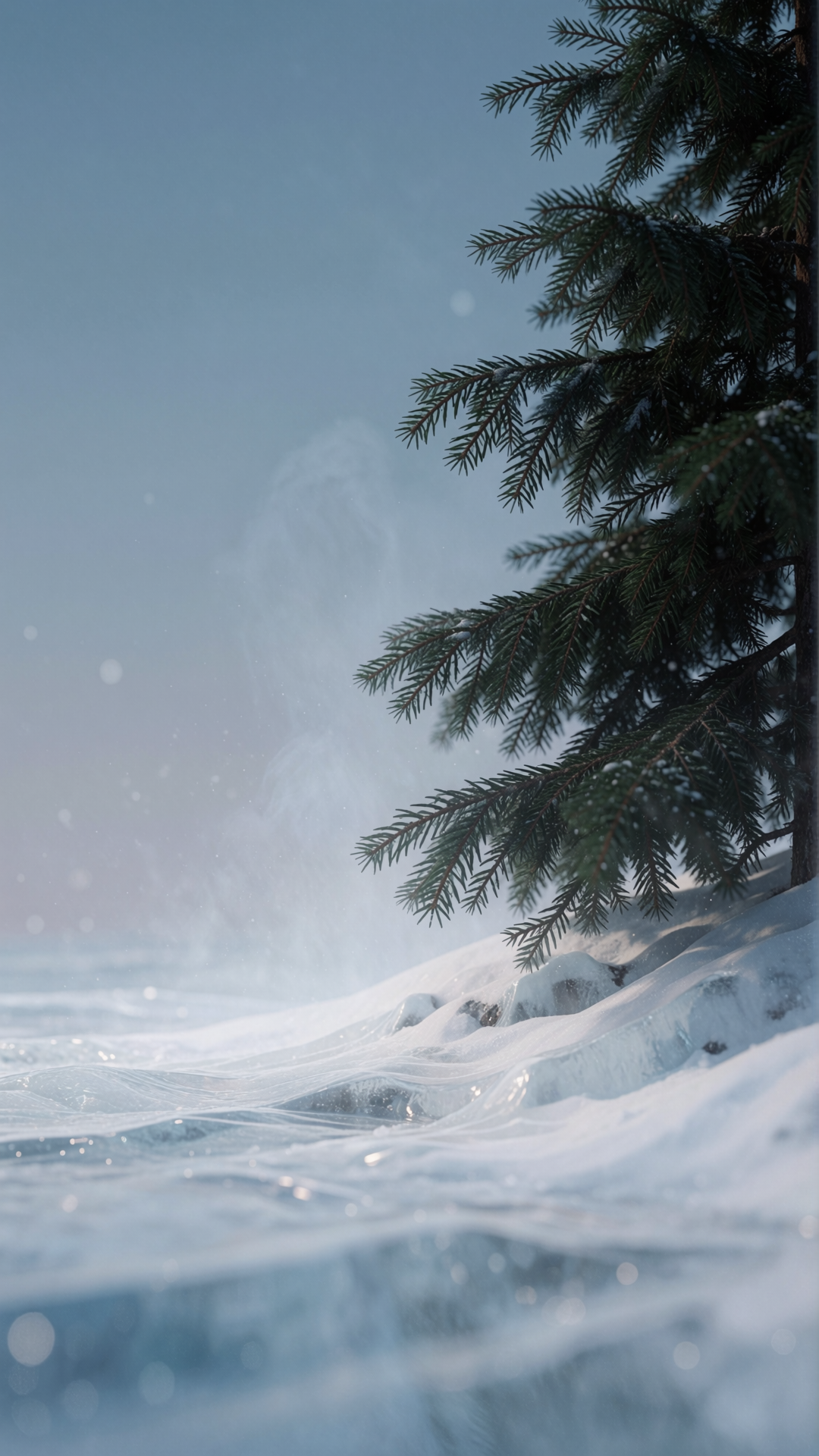
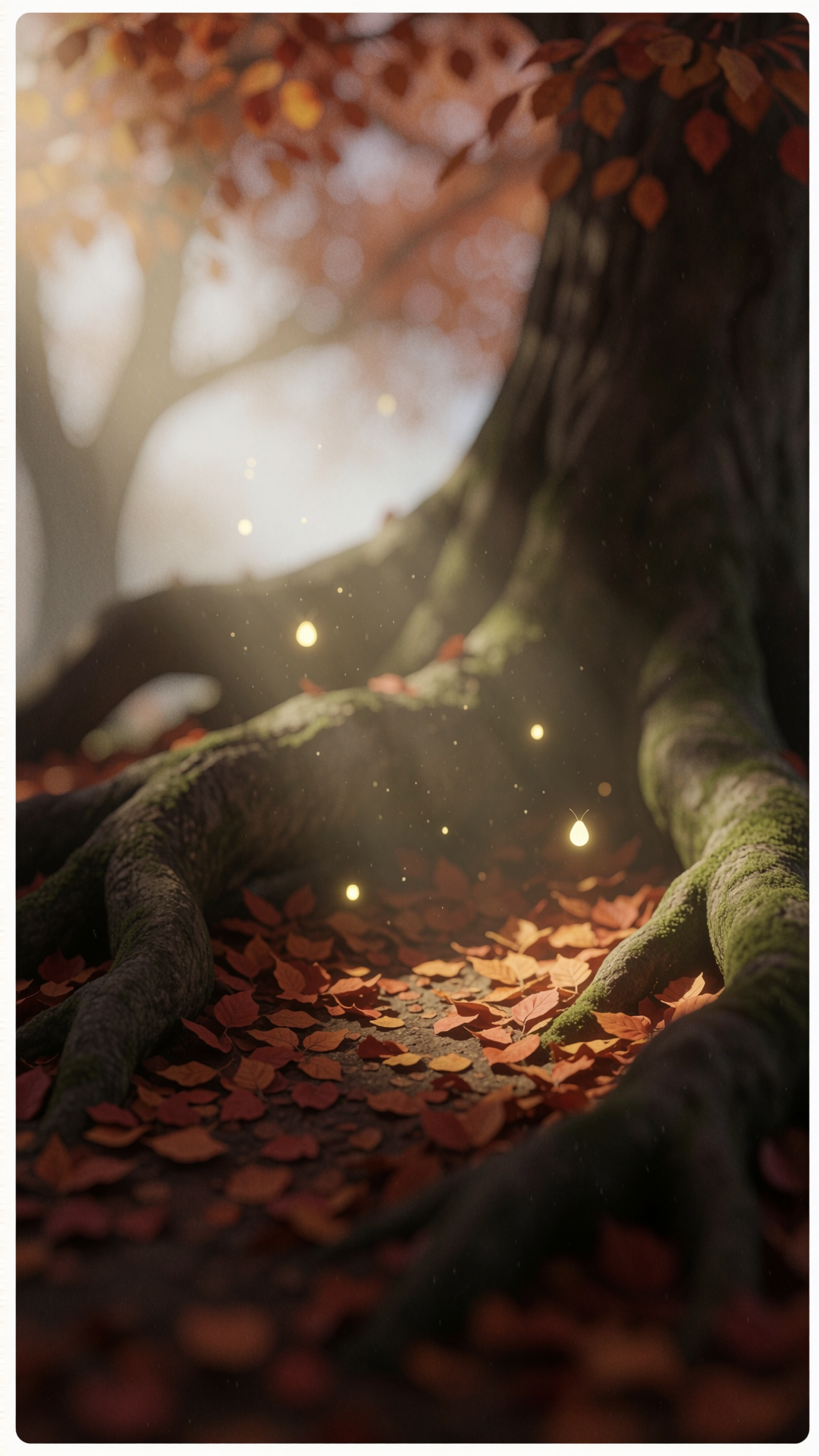
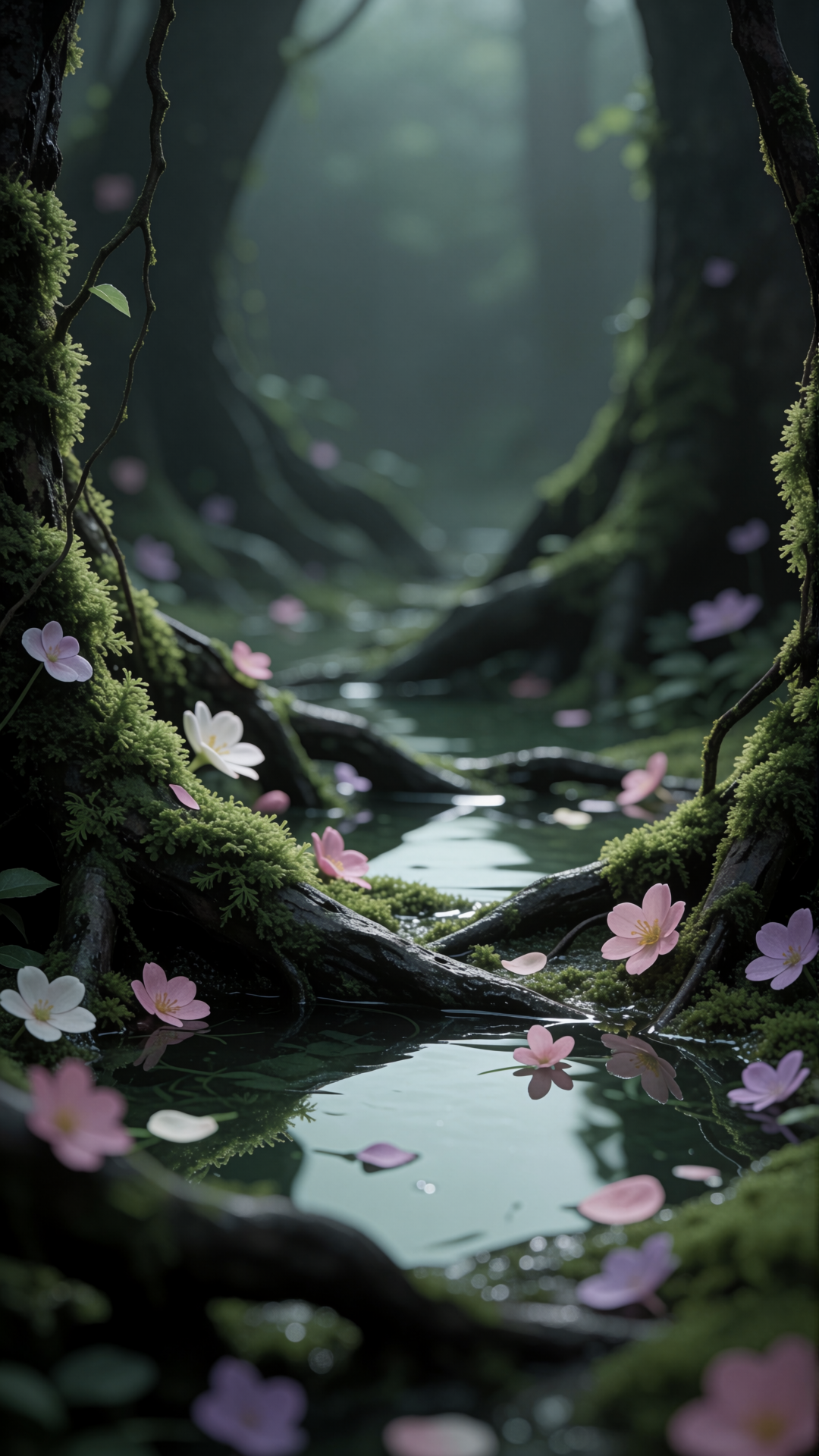
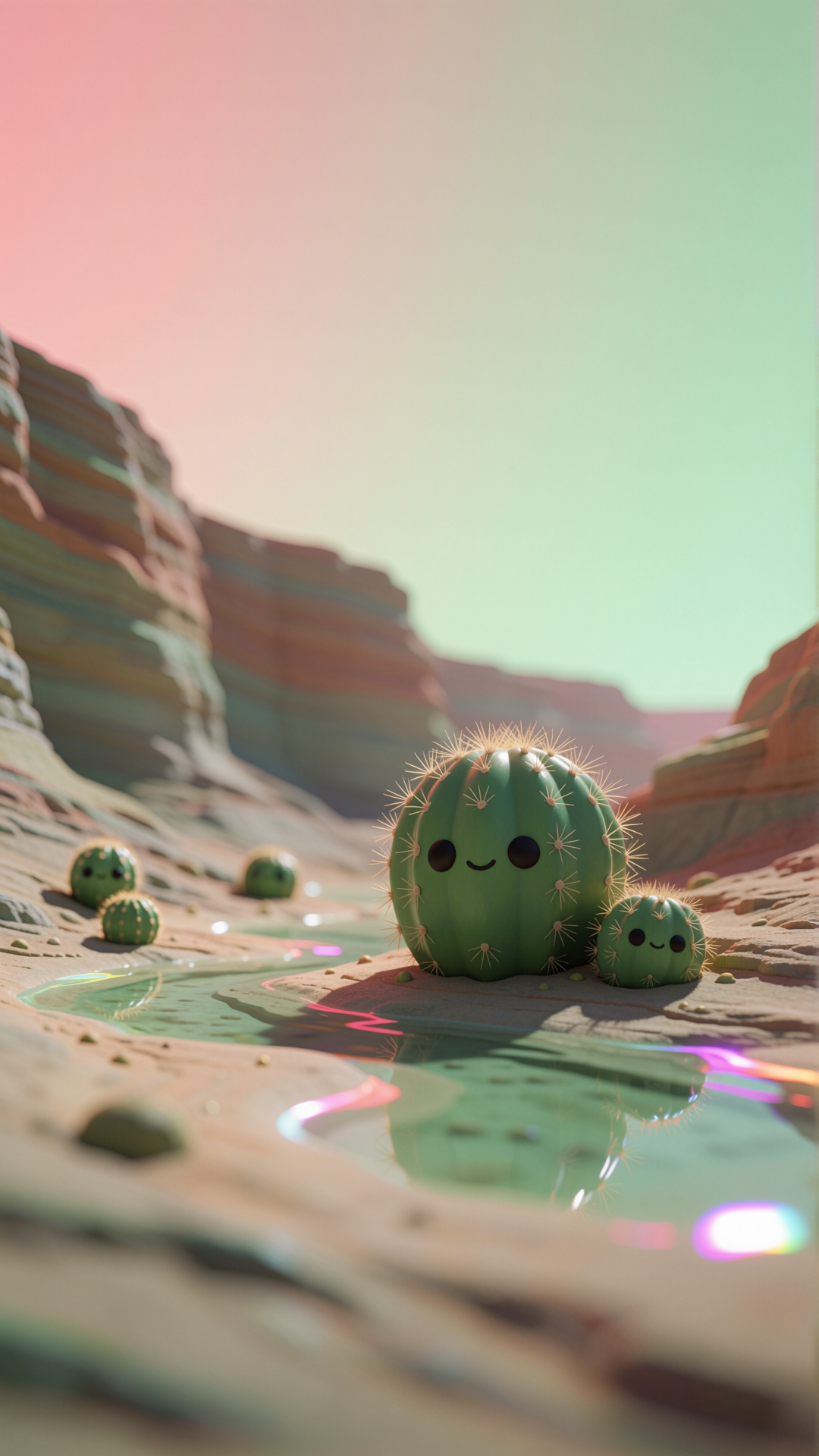
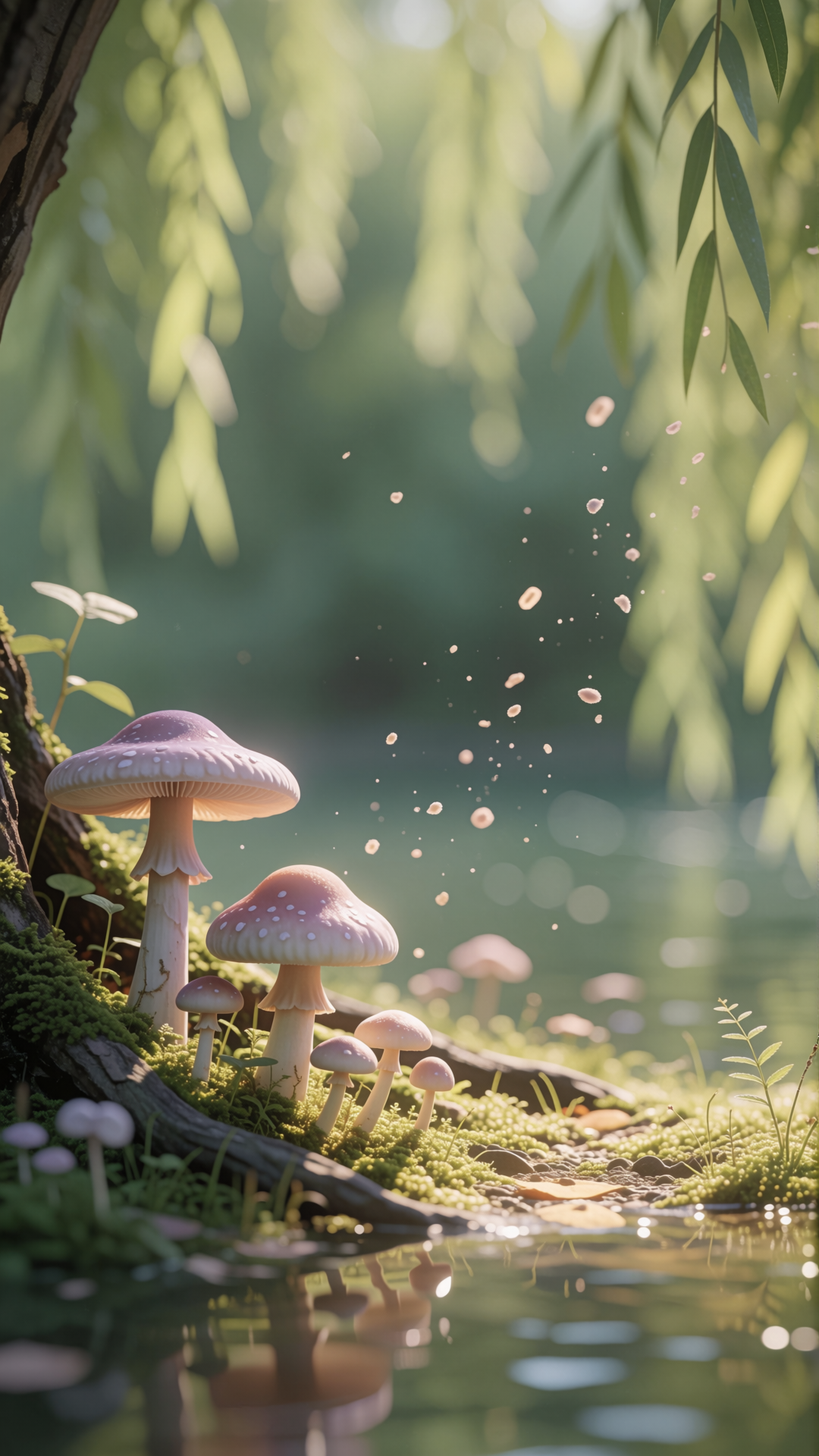
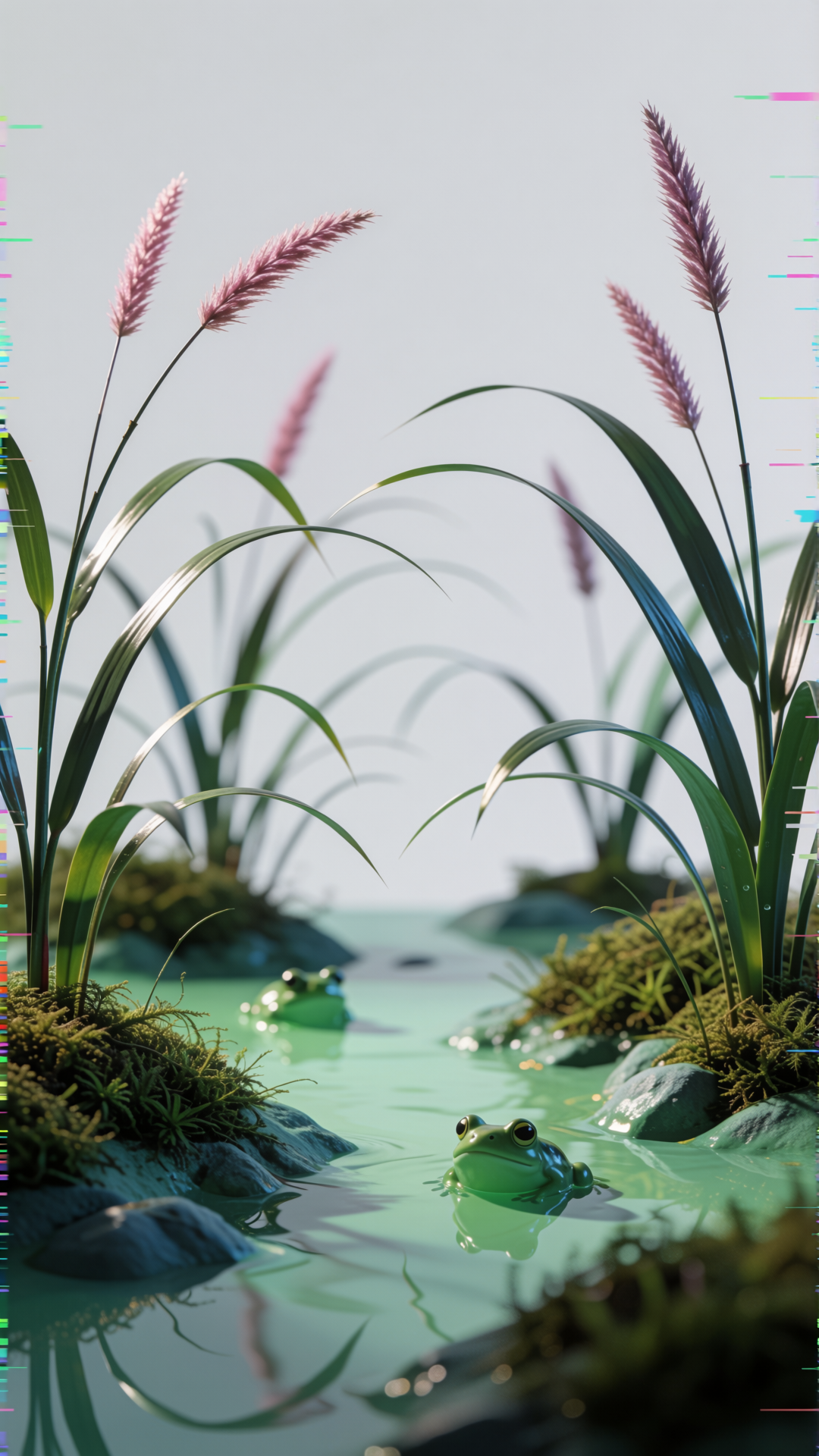
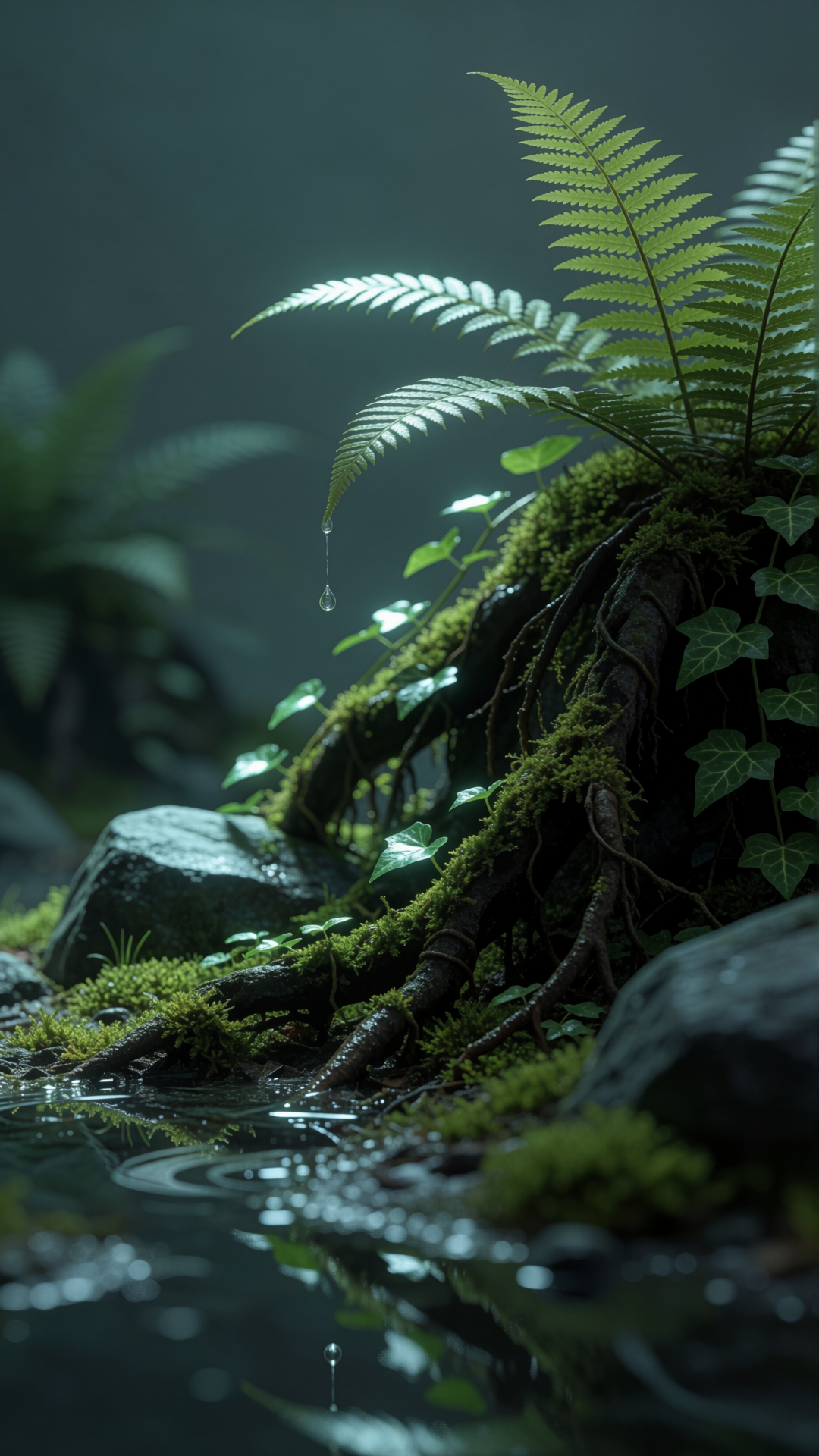
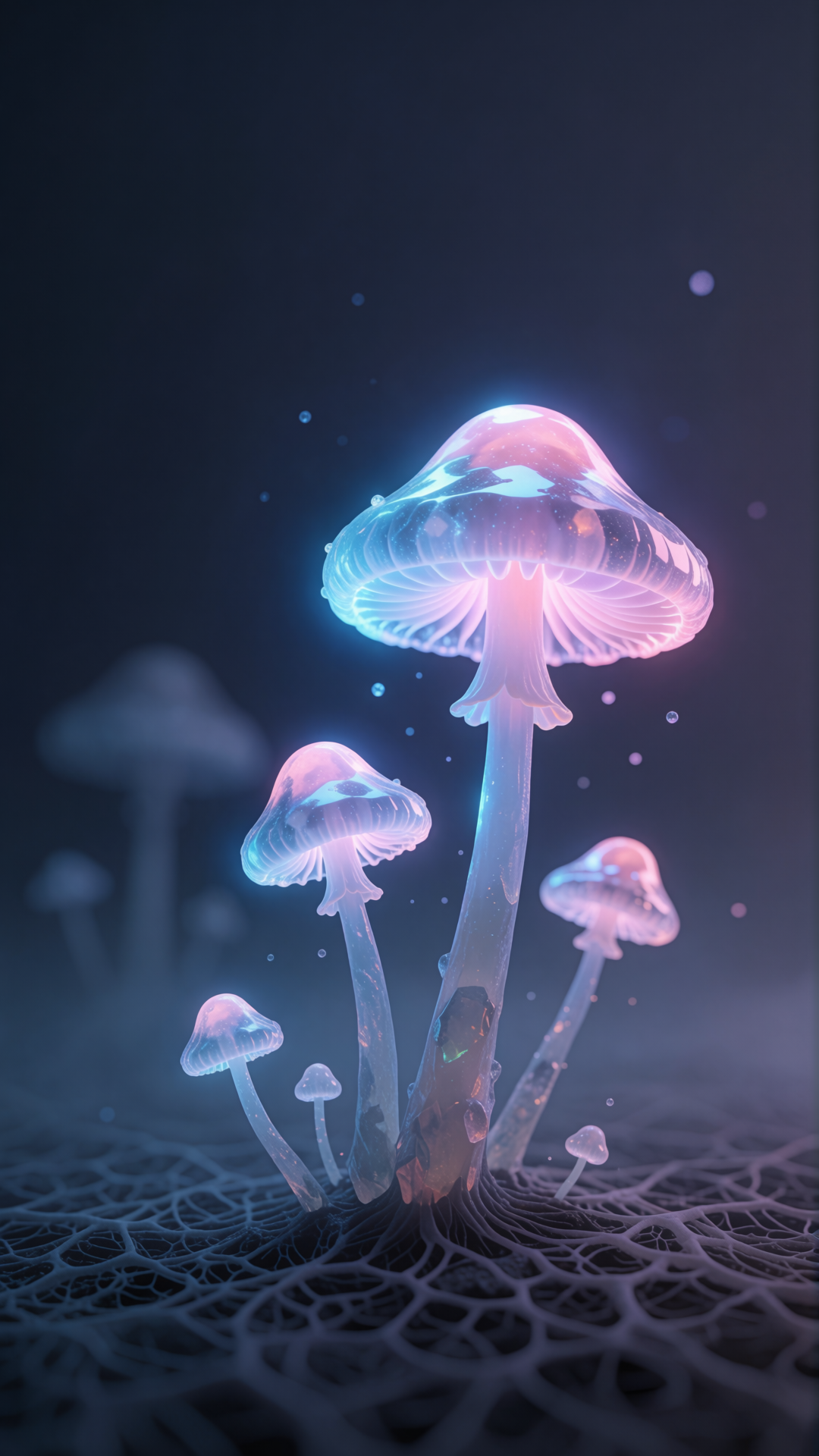
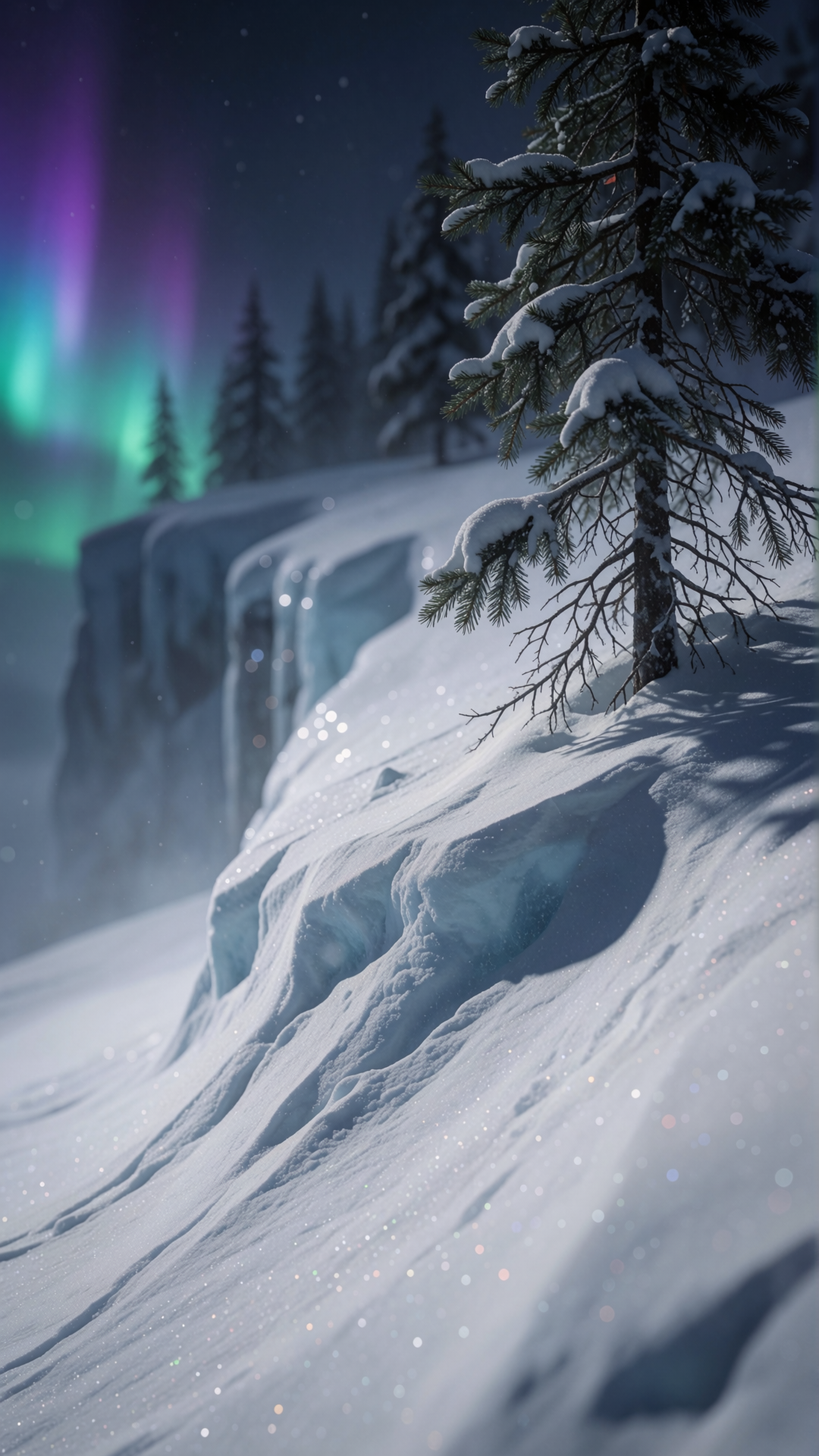
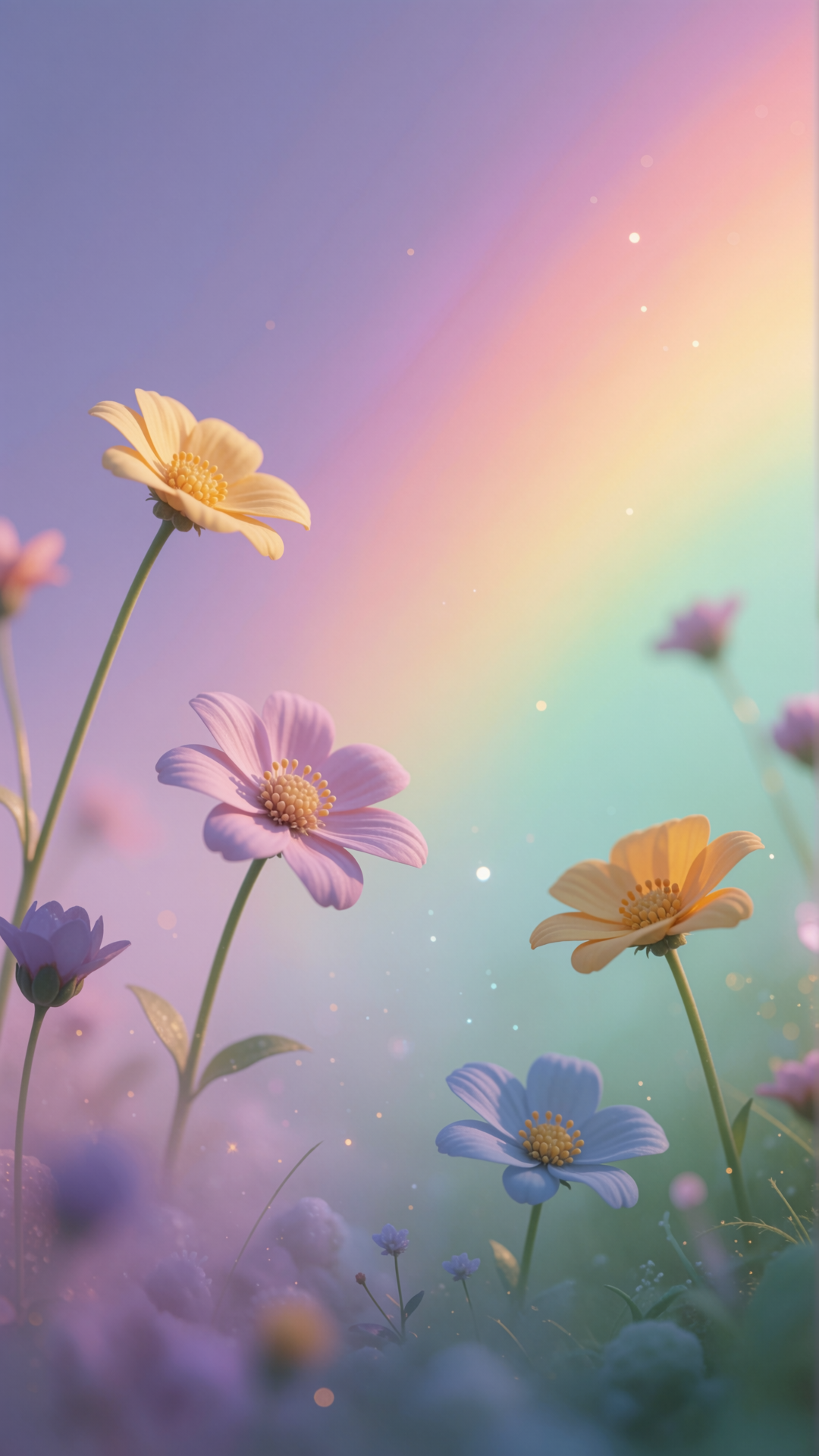
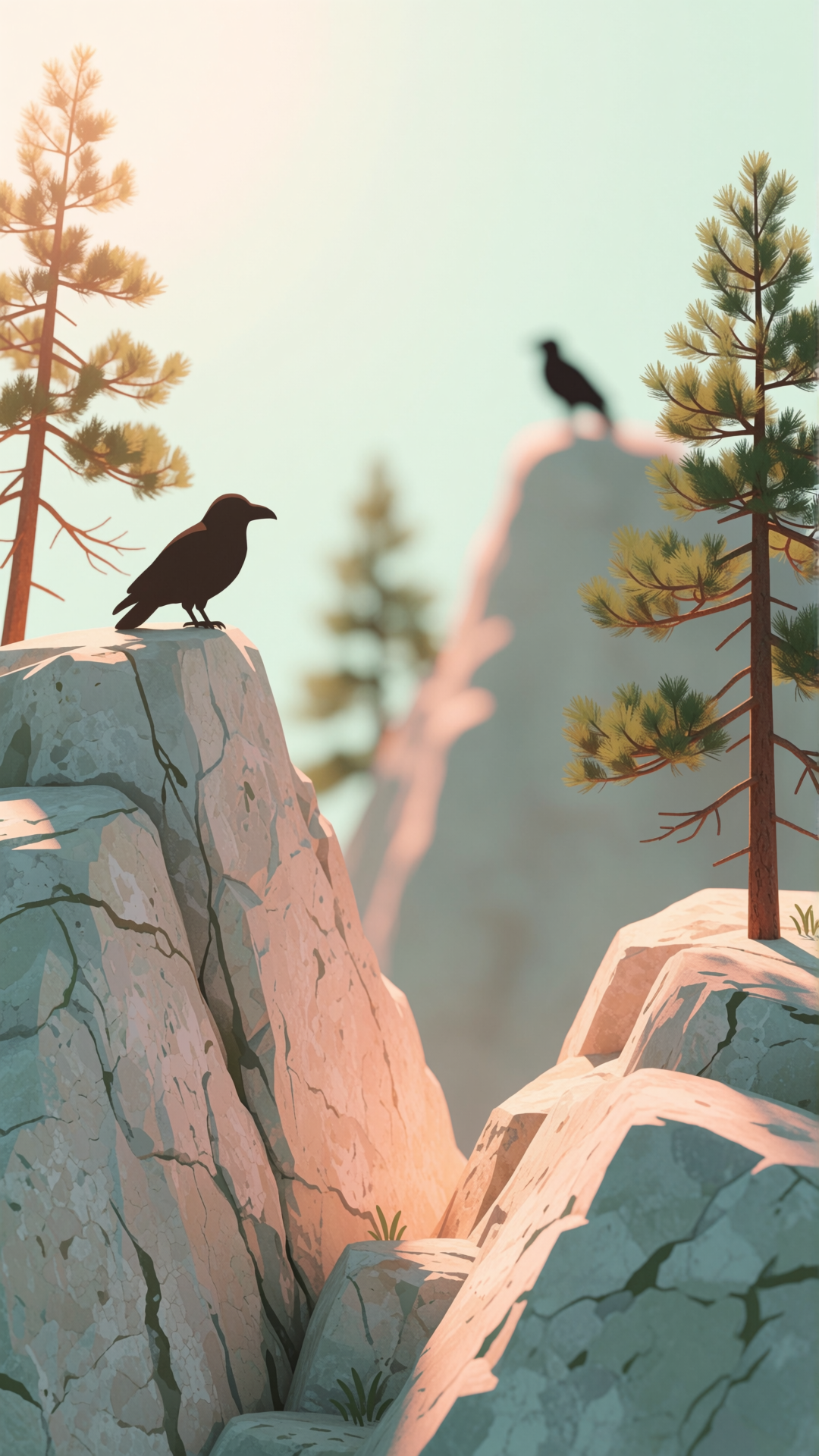
Portrait wallpapers composed for phone screens, not cropped down from the desktop set — which matters more than it sounds. A landscape image on a phone shows you a narrow vertical strip through the middle and throws away about two thirds of the width, so the composition you liked is mostly gone. These are built in portrait from the start.
Worth knowing before you set one: your lock screen clock covers roughly the top quarter, and the flashlight and camera shortcuts take the bottom sixth, so anything important outside the middle band stays hidden most of the time. Ourphone wallpaper guide covers the safe zones, how to turn off the iOS home screen blur, and whether dark wallpapers actually save battery on OLED. Looking for a desktop image instead?Browse the 4K gallery →



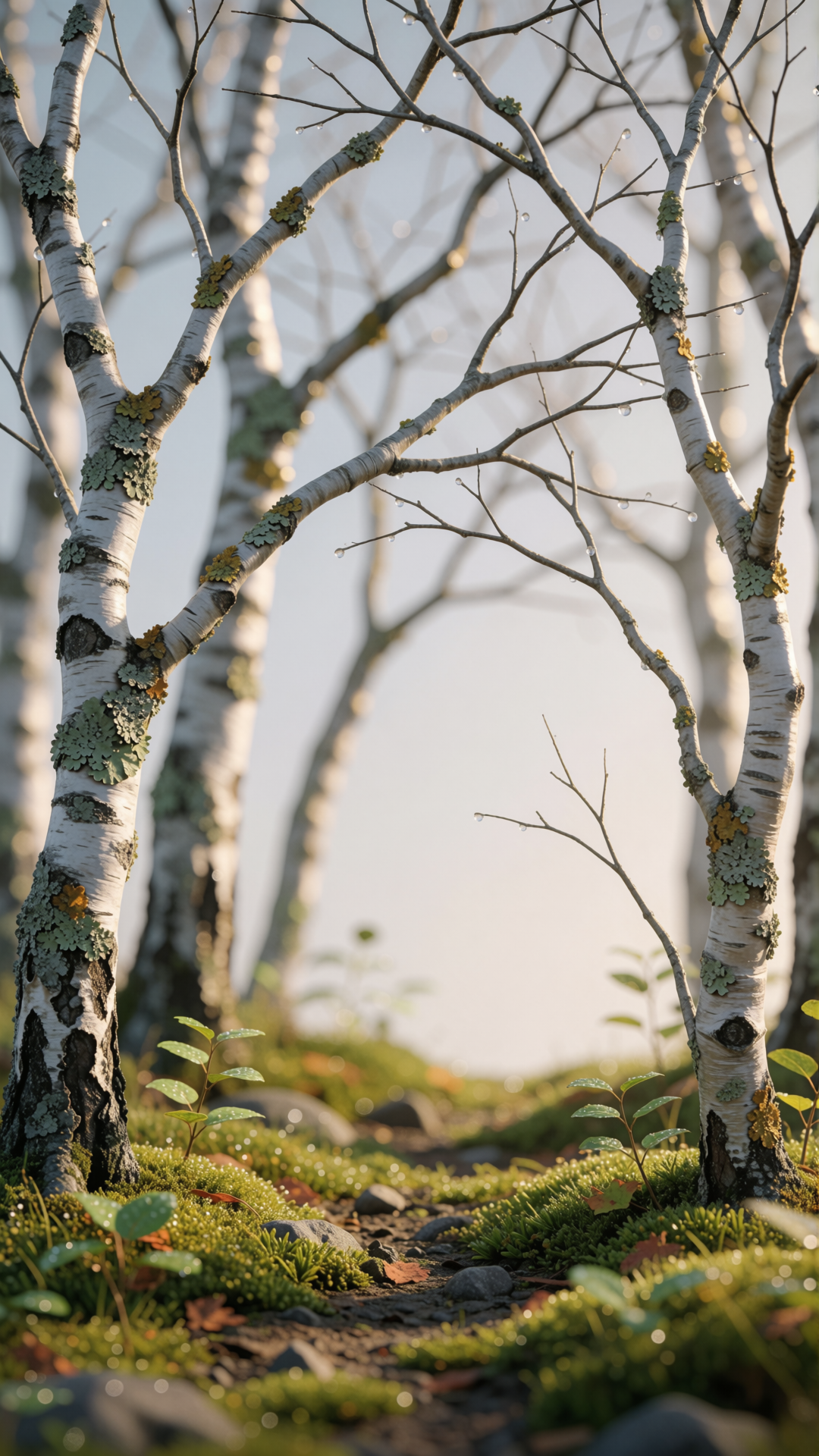
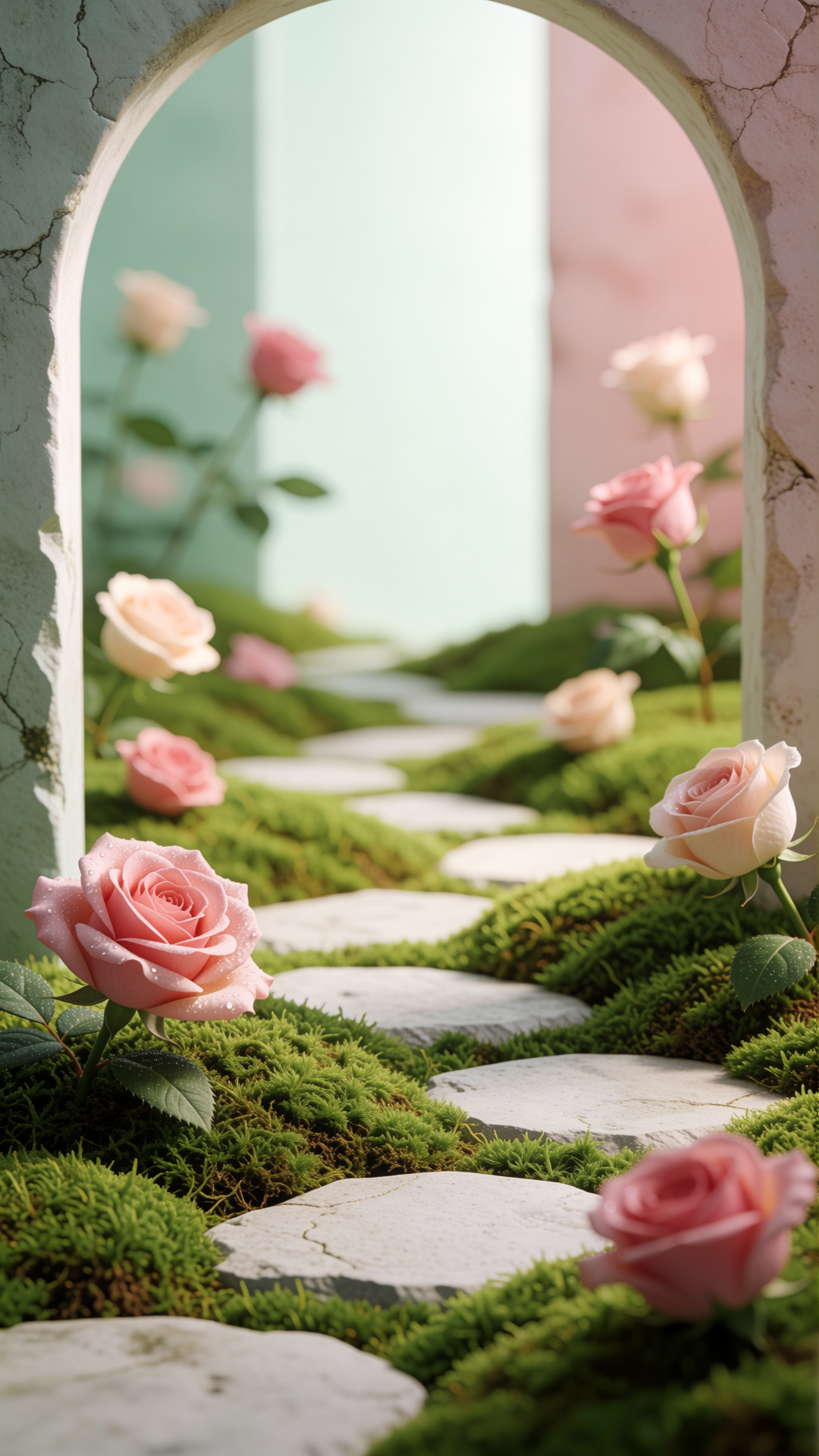
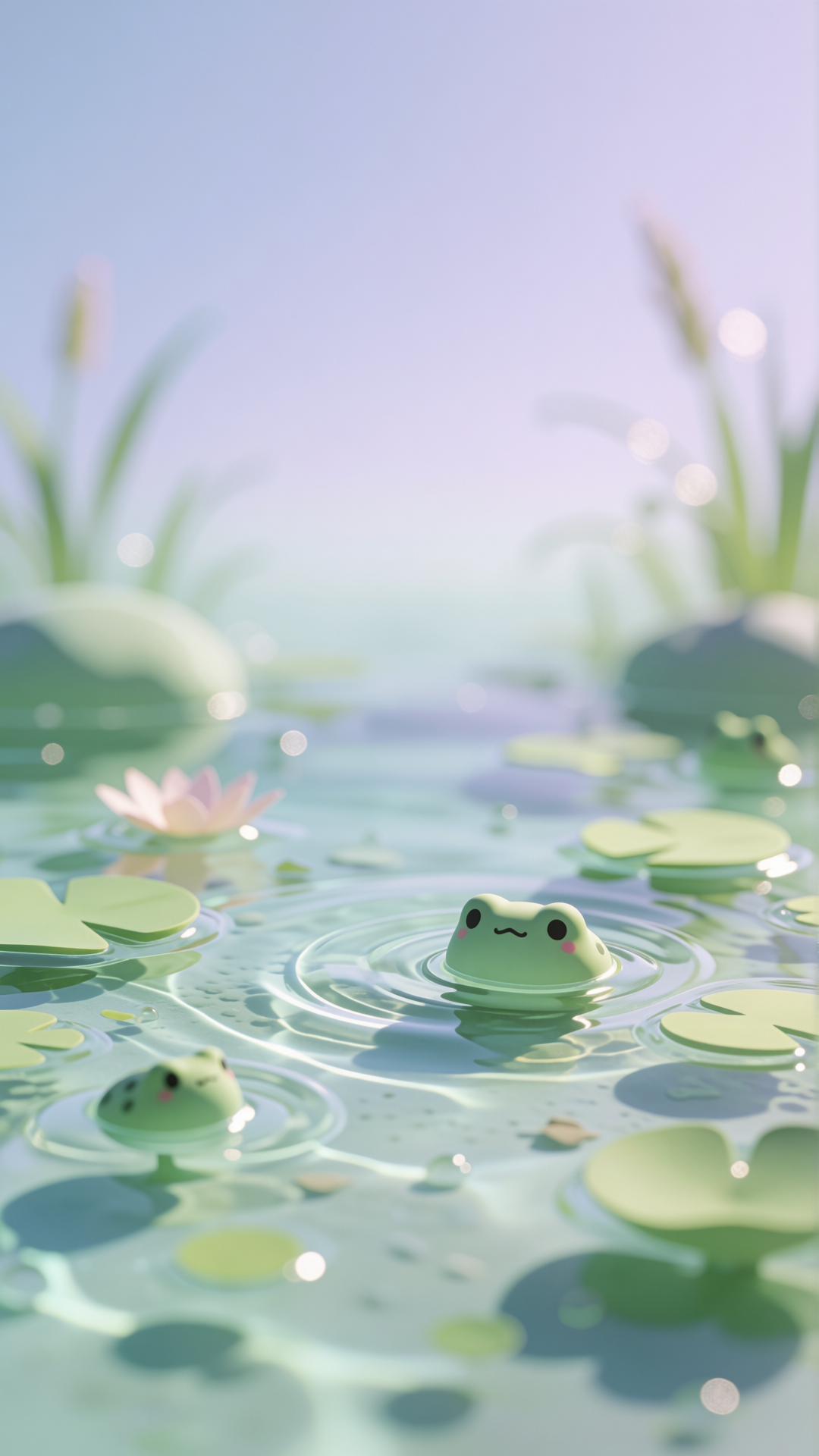
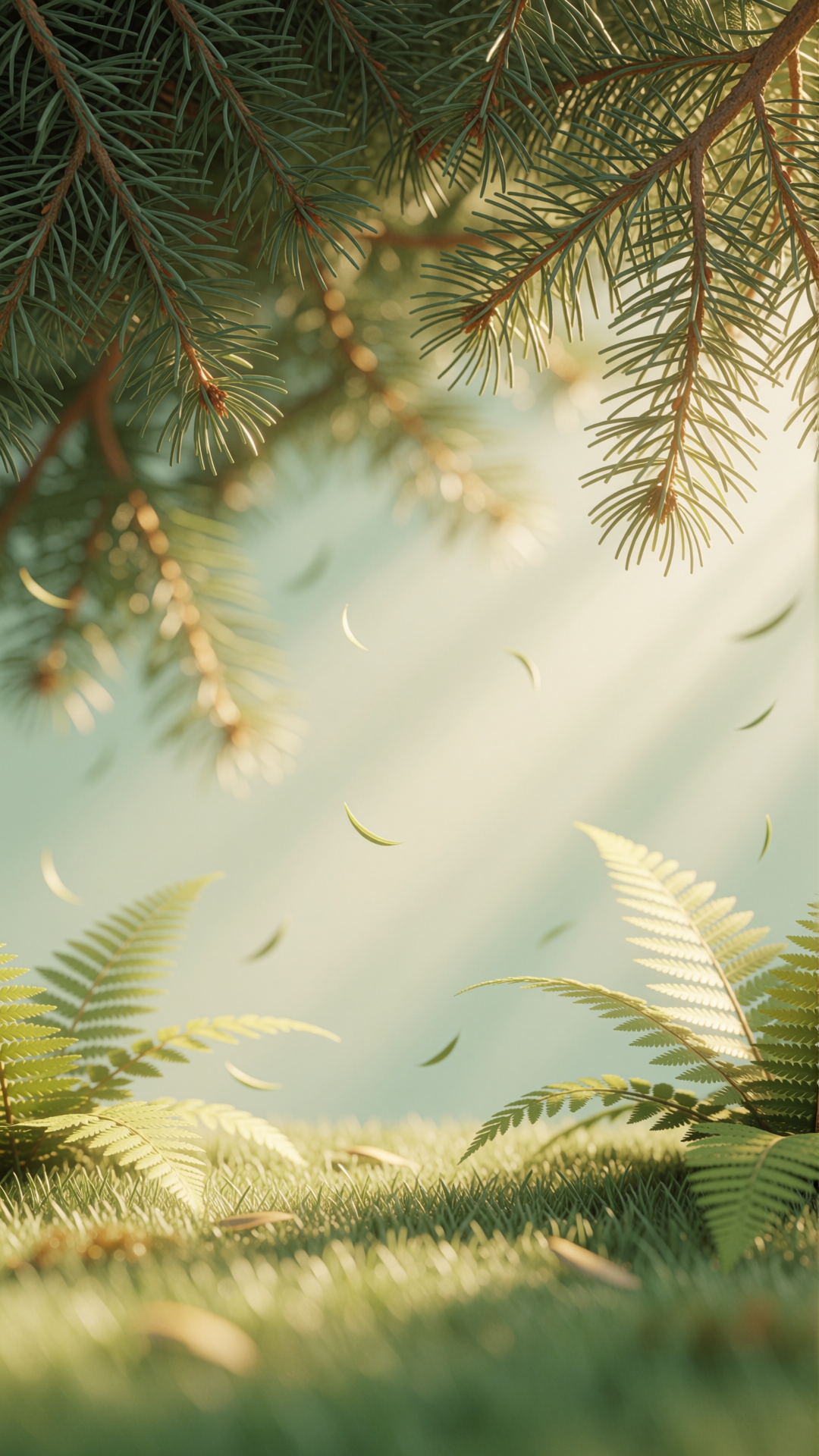
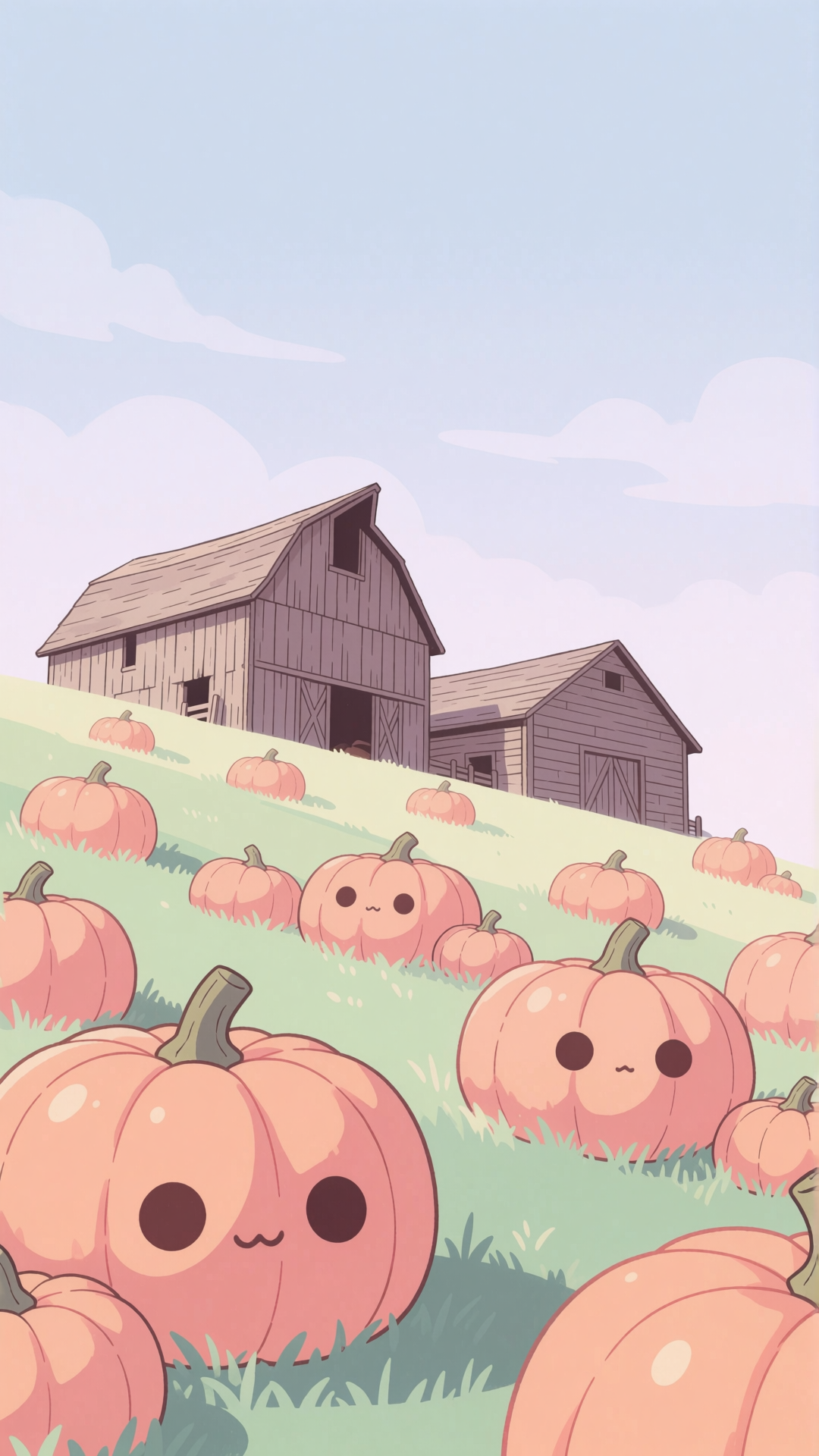
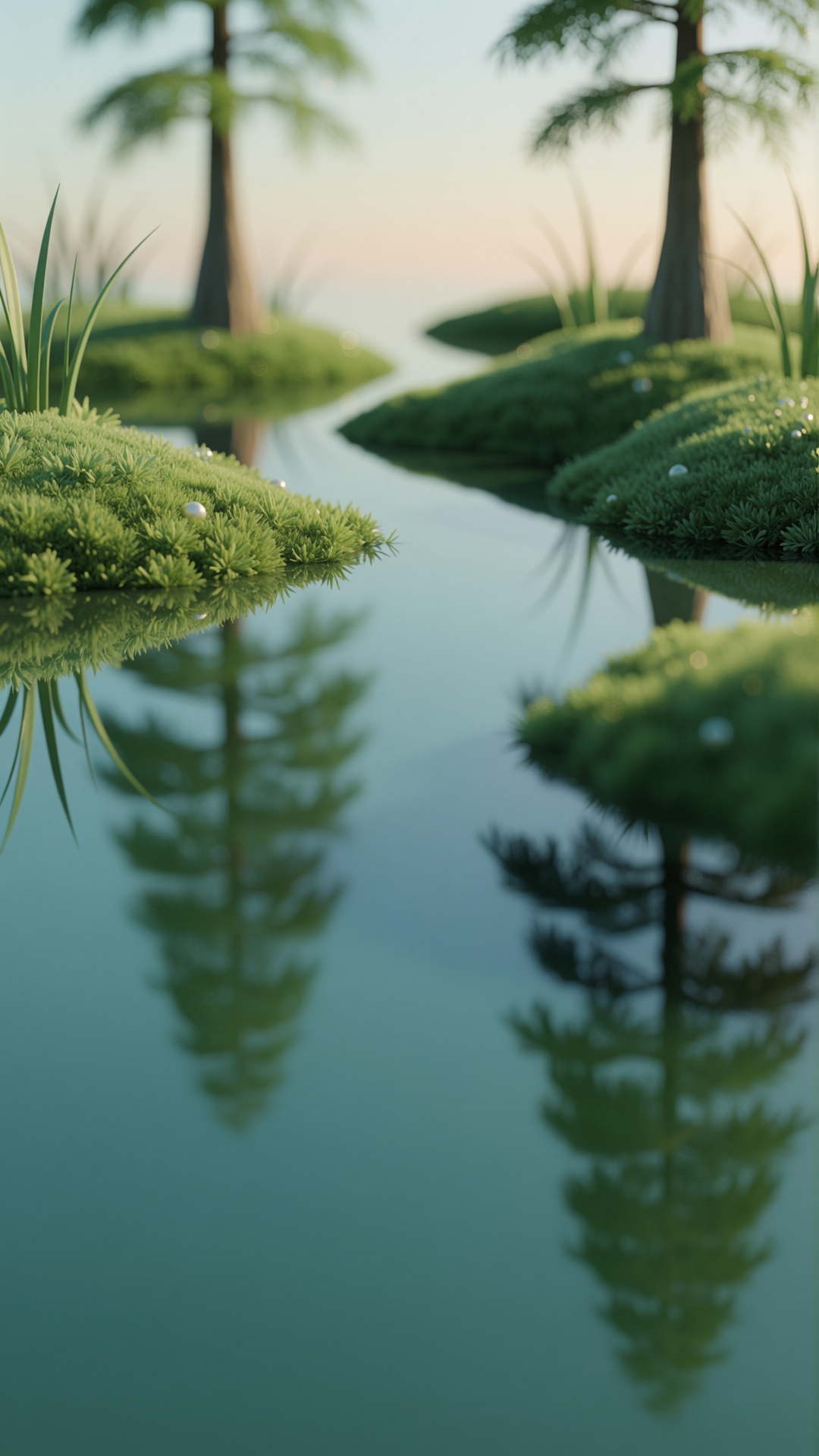
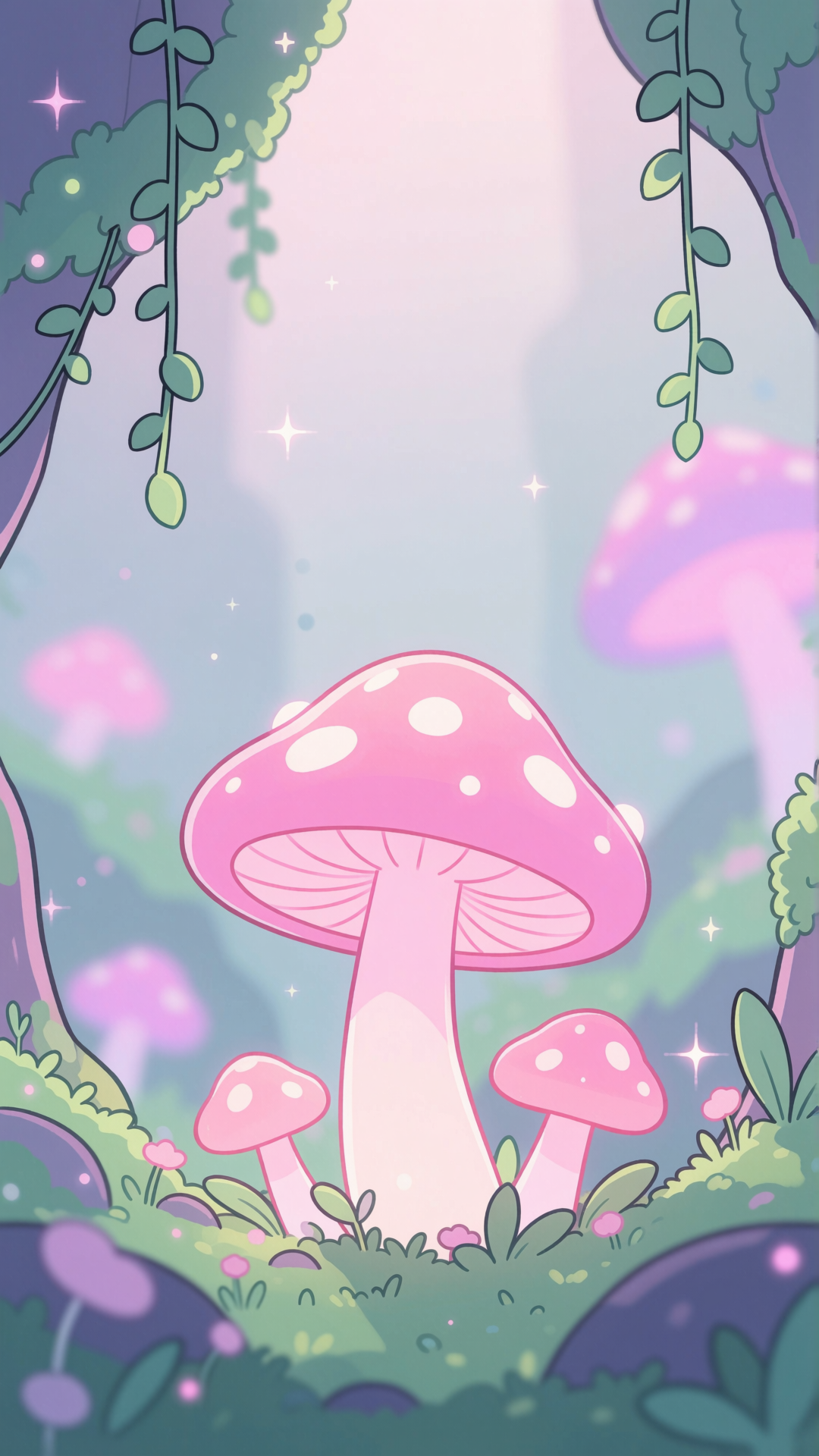
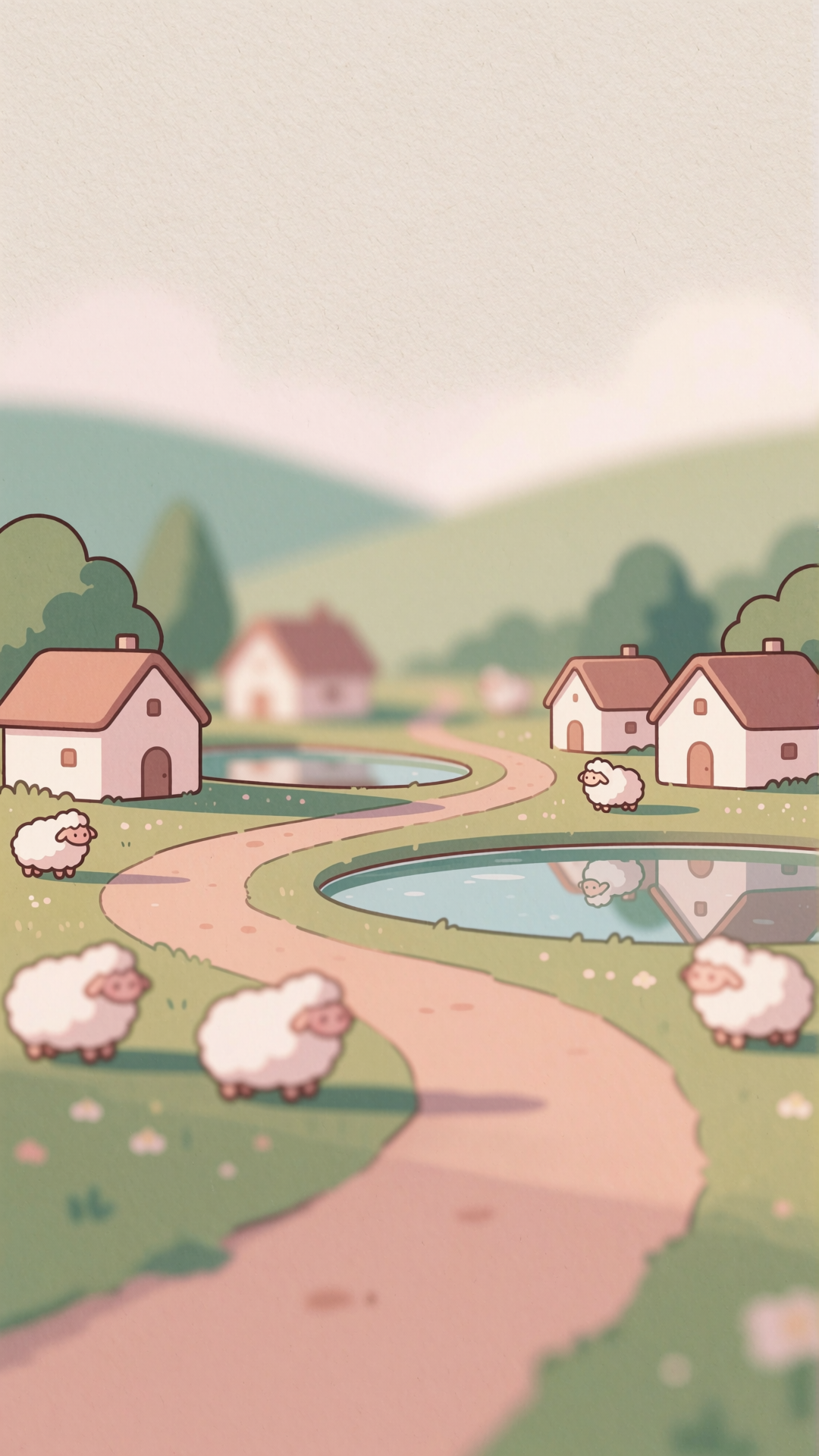
Setting these on your phone
iPhone: save to Photos, then Settings → Wallpaper → Add New Wallpaper → Photos. Choose "Set as Wallpaper Pair" for both screens, or "Customise Home Screen" to use something calmer behind your icons. iOS blurs the home screen wallpaper by default — you can turn that off in the same place.
Android: long-press the home screen → Wallpaper & style → My photos, then choose home screen, lock screen or both. On Pixel and recent Android, the wallpaper also re-themes your entire system colour palette, so expect the interface to shift towards whatever dominates the image.
Licence
Free for personal use on any device, no attribution needed. Commercial use needs permission — see the licence page.